Webhooks (Alerts)
Webhooks push event data from CronDB to your applications in real time. When an alert matches, a domain changes, or a sequence event occurs, CronDB sends an HTTP POST to your endpoint.
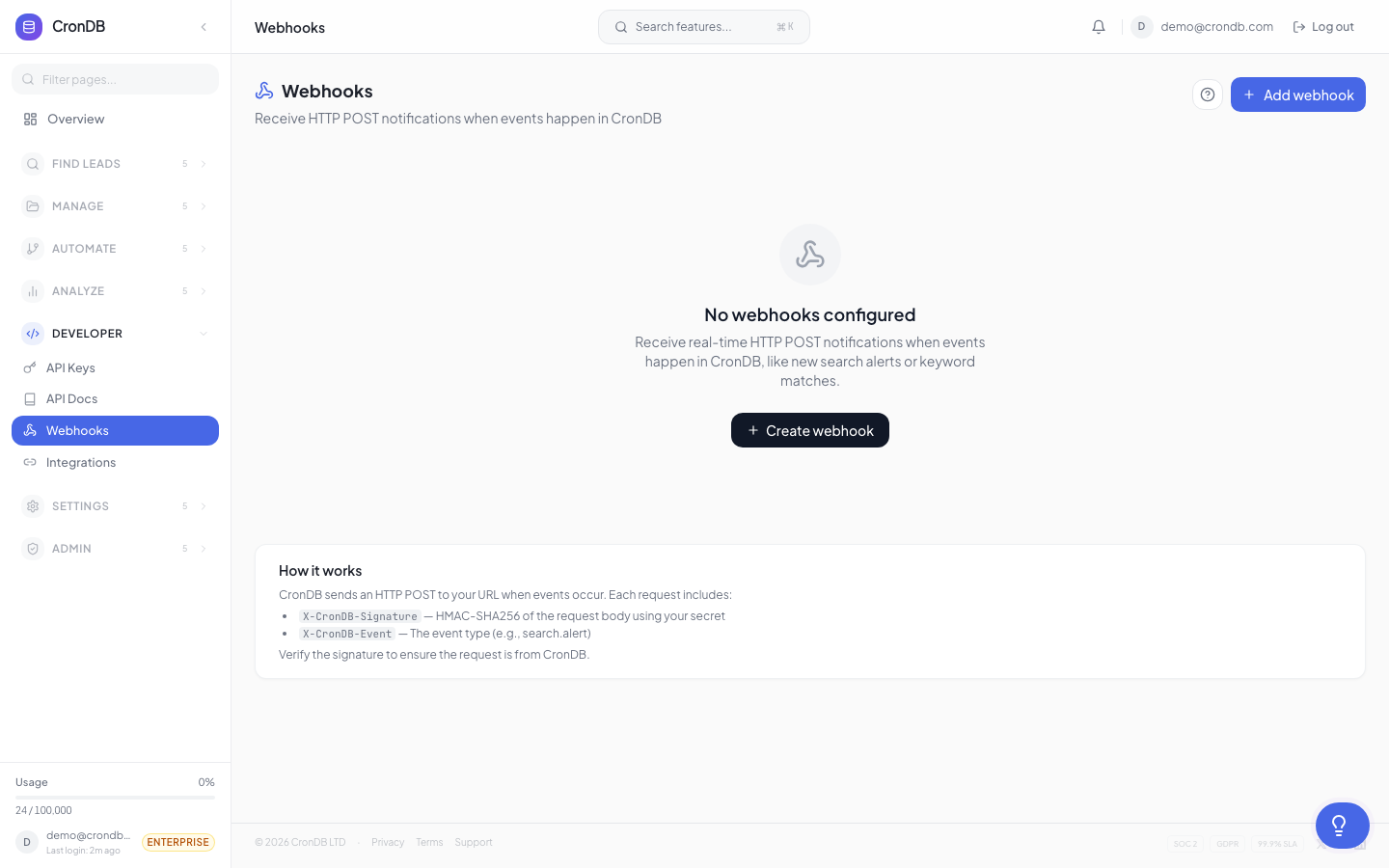
Setting Up a Webhook
- Navigate to Alerts & Notifications → Webhooks
- Click + New Webhook
- Enter your endpoint URL (must be HTTPS)
- Select which events to subscribe to
- Click Save
CronDB will send a test ping to verify your endpoint is reachable.
Event Types
| Event | Description |
|---|---|
alert.domain_matched | A domain matched an intent alert rule |
watchlist.domain_changed | A watched domain's data changed |
sequence.email_opened | A sequence email was opened |
sequence.email_replied | A recipient replied to a sequence email |
sequence.email_bounced | A sequence email bounced |
sequence.contact_completed | A contact finished all sequence steps |
sequence.goal_achieved | A contact achieved the sequence goal |
enrichment.completed | A bulk enrichment job finished |
Payload Format
All webhook payloads follow a consistent structure:
{
  "event": "alert.domain_matched",
  "webhook_id": "wh_abc123",
  "timestamp": "2026-03-18T14:30:00Z",
  "data": {
    "alert_id": "alt_xyz789",
    "alert_name": "US SaaS Leads",
    "domain": "newstartup.com",
    "industry": "Technology",
    "business_type": "B2B SaaS",
    "country": "US",
    "confidence": 0.91,
    "tech_stack": {
      "cms": "Next.js",
      "analytics": ["Google Analytics"],
      "chat": "Intercom"
    },
    "contact": {
      "emails": ["hello@newstartup.com"]
    }
  }
}
Retry Logic
If your endpoint returns a non-2xx status code, CronDB retries with exponential backoff:
| Attempt | Delay |
|---|---|
| 1st retry | 30 seconds |
| 2nd retry | 2 minutes |
| 3rd retry | 10 minutes |
| 4th retry | 1 hour |
| 5th retry | 6 hours |
After 5 failed retries, the webhook is marked as failed and you receive an email notification. The payload is stored for 7 days and can be replayed from the webhook dashboard.
HMAC Verification
Every webhook request includes an HMAC signature so you can verify it came from CronDB.
Header
X-CronDB-Signature: sha256=abc123def456...
Verification (Python)
import hmac
import hashlib

def verify_webhook(payload_body: bytes, signature: str, secret: str) -> bool:
    expected = hmac.new(
        secret.encode(),
        payload_body,
        hashlib.sha256
    ).hexdigest()
    return hmac.compare_digest(f"sha256={expected}", signature)
Verification (JavaScript)
const crypto = require("crypto");

function verifyWebhook(payloadBody, signature, secret) {
  const expected = crypto
    .createHmac("sha256", secret)
    .update(payloadBody)
    .digest("hex");
  return signature === `sha256=${expected}`;
}
Your webhook secret is shown in the webhook settings. Store it securely.
Testing Webhooks
Test Ping
Click Send Test on any webhook to send a sample payload to your endpoint. This verifies connectivity without triggering a real event.
Webhook Logs
View delivery history in the Logs tab:
| Column | Description |
|---|---|
| Timestamp | When the event was sent |
| Event | Event type |
| Status | Success (2xx) or failure code |
| Response time | How long your endpoint took to respond |
| Payload | Click to view the full JSON payload |
| Retry | Click to replay a failed delivery |
Webhook Limits
| Plan | Max Webhooks |
|---|---|
| Free | — |
| Starter | 3 |
| Pro | 10 |
| Enterprise | Unlimited |
Design your webhook endpoint to respond within 5 seconds and return a 200 status code immediately. Process the payload asynchronously to avoid timeouts.
Next Steps
- Intent Alerts — Create the alert rules that trigger webhooks
- Integrations Webhooks — More webhook integration patterns
- API Webhook Events — Full event type reference