Outreach Sequences
Sequences are automated, multi-step outreach campaigns that help you convert domain leads into conversations. Build campaigns that combine email, LinkedIn, phone calls, and manual tasks — all orchestrated from the CronDB dashboard.
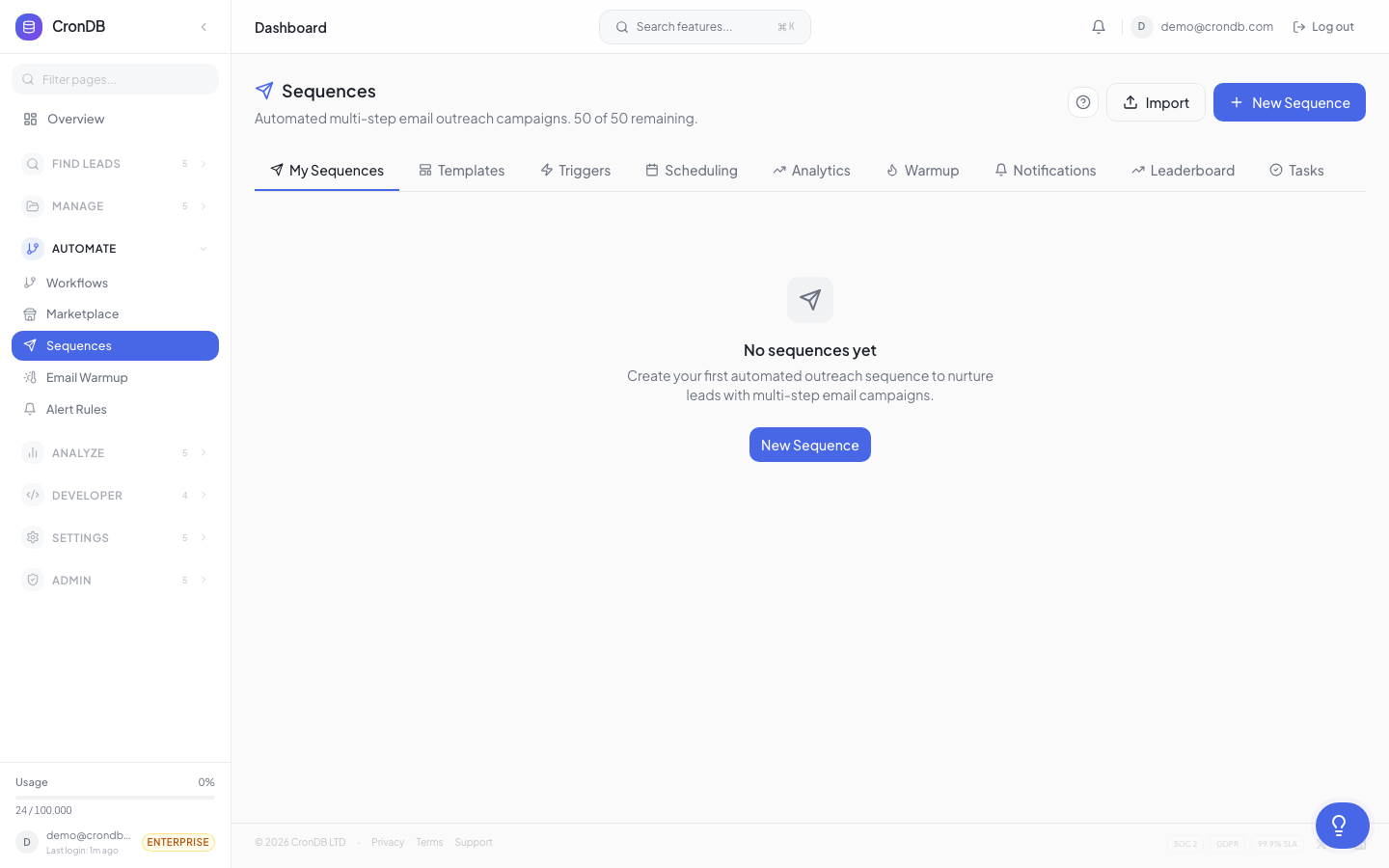
What Are Sequences?
A sequence is an ordered series of steps that execute automatically over time. For example:
- Day 1 — Send an introductory email
- Day 3 — Follow up with a LinkedIn connection request
- Day 5 — Send a second email with a case study
- Day 8 — Manual task: call the prospect
- Day 12 — Final email with a meeting link
Each step can have conditions, delays, and personalization. Prospects exit the sequence when they reply, book a meeting, or opt out.
Supported Step Types
| Step Type | Description | Availability |
|---|---|---|
| Automated email from your connected account | All plans with sequences | |
| Delay | Wait a specified number of days or hours | All plans |
| Connection request, message, or profile view | Pro and Enterprise | |
| Phone Call | Reminder to call with talking points | Pro and Enterprise |
| SMS | Text message via integrated provider | Enterprise |
| Manual Task | Custom task that pauses until completed | All plans |
Dashboard Tabs
The Sequences section has several tabs:
Sequences Tab
List of all your sequences with status, enrolled count, and performance metrics. Click any sequence to open its builder and analytics.
Contacts Tab
All contacts currently enrolled in any sequence, with their current step and status (active, paused, completed, replied).
Templates Tab
Pre-built and custom email templates. See Templates for details.
Tasks Tab
Pending manual tasks from your sequences. Mark tasks complete to advance contacts to the next step.
Analytics Tab
Aggregate performance data across all sequences: open rates, click rates, reply rates, and meeting conversion.
Sequence Lifecycle
Created → Active → Running
                  ↓
        Contacts enrolled
                  ↓
        Steps execute on schedule
                  ↓
        Contact exits (reply / opt-out / completed)
A sequence can be in these states:
- Draft — Being built, not yet active
- Active — Running and accepting new enrollments
- Paused — Stops sending but preserves positions
- Archived — Inactive, kept for reference
Quick Example
Here is a simple 3-step email sequence:
Step 1: Introduction Email (Day 0)
Subject: Quick question about {{company}}

Hi there,

I noticed {{domain}} was recently registered and looks like
it's in the {{industry}} space. We help companies like yours
with [your value prop].

Would you be open to a quick chat?
Step 2: Delay (3 days)
Step 3: Follow-Up Email (Day 3)
Subject: Re: Quick question about {{company}}

Just bumping this to the top of your inbox. I'd love to learn
more about what you're building at {{domain}}.

Are you free for 15 minutes this week?
Plan Limits
| Plan | Sequences | Sending Accounts | Daily Send Limit |
|---|---|---|---|
| Free Trial | — | — | — |
| Starter | 2 | 2 | 100 |
| Pro | 10 | 5 | 500 |
| Business | 25 | 10 | 1,000 |
| Enterprise | 50 | 20 | 2,000 |
The free trial does not include sequences. Upgrade to Starter or higher to access outreach features.
Next Steps
- Creating Sequences — Step-by-step builder guide
- Templates — Use pre-built templates to get started fast
- AI Writer — Generate personalized copy with AI
- Compliance — Ensure your sequences follow email regulations