Smart Warmup
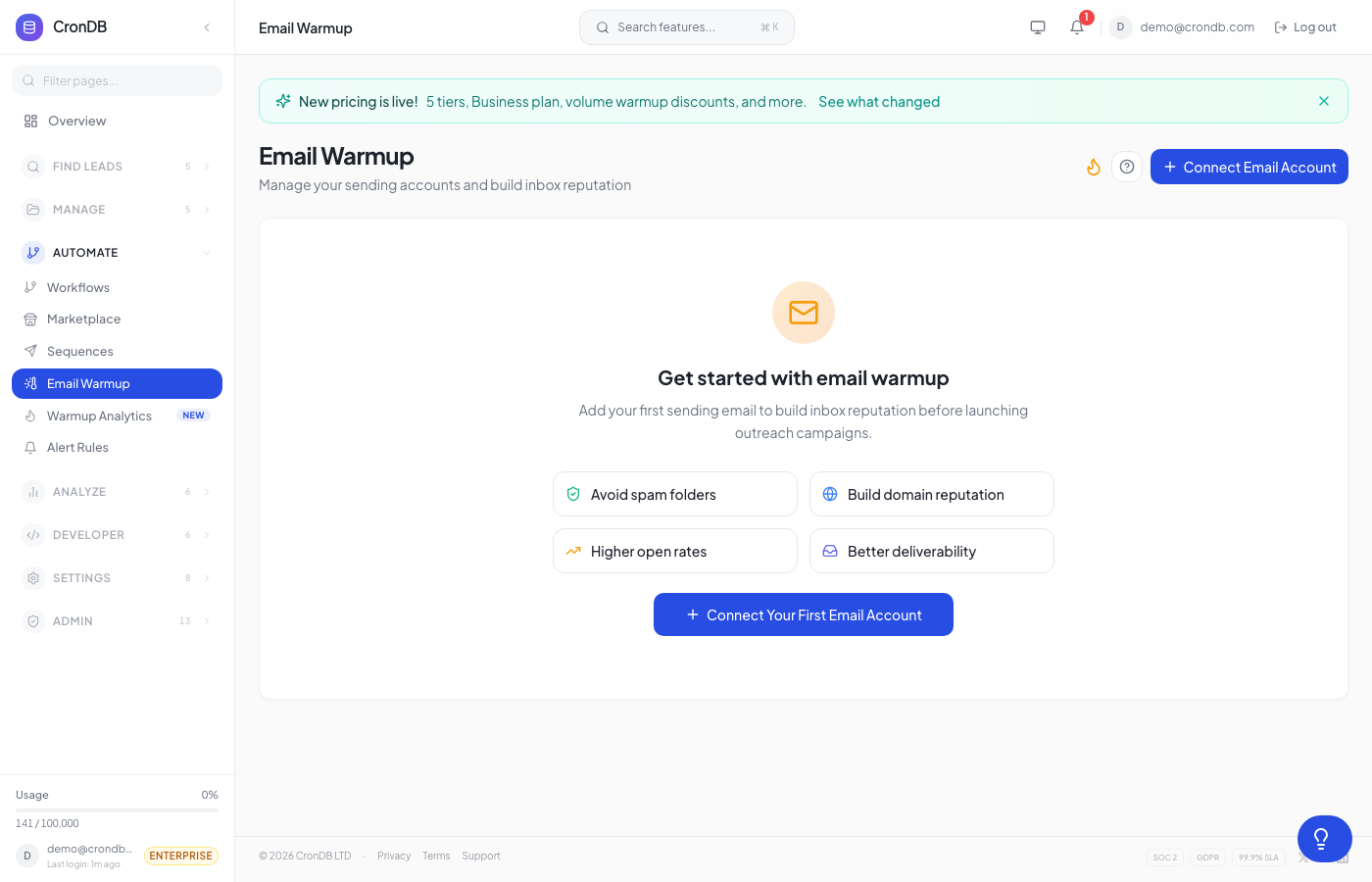
Smart Warmup is CronDB's standalone email deliverability product. It warms up your sending accounts by exchanging realistic AI-generated conversations, building sender reputation, and keeping your emails out of the spam folder.
How It Works
- Connect your inbox — Add your Gmail, Outlook, or SMTP sending account
- AI generates conversations — Our DeepSeek-powered AI creates unique, human-like email exchanges with a network of real inboxes
- Gradual volume increase — Starts with a few emails per day and gradually ramps up over 2–4 weeks
- Spam rescue — Warmup emails that land in spam are automatically moved to inbox, training email providers that your messages are legitimate
- Reputation monitoring — Track your inbox placement rate, spam rate, and sender score in real-time
Why You Need Warmup
- New domains need 2–4 weeks of warmup before cold outreach
- Inactive accounts lose reputation if not used regularly
- High-volume senders need continuous warmup to maintain deliverability
- After a spam incident — warmup helps rebuild trust with email providers
Getting Started
1. Add a Sending Account
Navigate to Outreach → Email Warmup and click Add Account.
Enter your email credentials:
- Gmail — Use App Password (Settings → Security → 2FA → App passwords)
- Outlook/Microsoft 365 — Use OAuth or App Password
- Custom SMTP — Enter host, port, username, password
2. Configure Warmup Settings
| Setting | Default | Description |
|---|---|---|
| Daily limit | 5 (ramps to 40) | Maximum warmup emails per day |
| Ramp speed | Moderate | How quickly volume increases (slow/moderate/fast) |
| Reply rate | 30% | Percentage of warmup emails that receive AI replies |
| Schedule | Business hours | When warmup emails are sent |
3. Monitor Progress
The warmup analytics dashboard shows:
- Inbox placement rate — percentage of warmup emails landing in inbox (target: above 95%)
- Spam rate — percentage landing in spam (target: under 2%)
- Daily volume — Current vs. target send volume
- Health score — Overall deliverability health (0–100)
- Provider breakdown — Performance by email provider (Gmail, Outlook, Yahoo)
AI-Generated Emails
Smart Warmup uses DeepSeek AI to generate unique email conversations:
- Persona engine — Each conversation uses a different sender persona with realistic names, titles, and companies
- Topic diversity — Emails cover business topics (meetings, project updates, follow-ups) — never spam-like content
- Thread depth — Conversations go 2–5 replies deep for realism
- No templates — Every email is unique; email providers can't fingerprint them as warmup
Warmup emails are exchanged with CronDB's network of real inboxes. These emails are automatically deleted after 30 days. No customer data is used in warmup conversations.
Pricing
Smart Warmup is a standalone add-on — it's not included in any CronDB plan.
| Volume | Price |
|---|---|
| 1–5 inboxes | 5 per inbox/month |
| 6–20 inboxes | 4 per inbox/month |
| 21+ inboxes | 3 per inbox/month |
Volume pricing is calculated automatically based on your total connected inboxes.
Warmup Analytics
Key Metrics
| Metric | Good | Warning | Critical |
|---|---|---|---|
| Inbox rate | Above 95% | 85–95% | Under 85% |
| Spam rate | Under 2% | 2–5% | Above 5% |
| Health score | 80–100 | 60–80 | Under 60 |
What to Do If Scores Drop
- Reduce sending volume — Lower your daily cold email sends temporarily
- Check content — Avoid spam trigger words, excessive links, or large images
- Verify DNS — Ensure SPF, DKIM, and DMARC records are configured correctly
- Increase warmup — Ramp up warmup volume to rebuild reputation
- Wait — Reputation changes take 3–7 days to reflect
Best Practices
- Start warmup 2 weeks before your first cold outreach campaign
- Keep warmup running continuously alongside active outreach
- Don't exceed 50 cold emails/day per inbox until fully warmed (health score >80)
- Use a dedicated domain for outreach (don't warm up your primary company domain)
- Set up SPF, DKIM, and DMARC records before starting warmup
Plan Compatibility
Smart Warmup works with any CronDB plan (including Free Trial). It's billed separately from your subscription and appears as a separate line item on your invoice.
Next Steps
- Email Sequences — Set up multi-step outreach
- Creating Sequences — Build your first sequence
- Compliance — Email compliance best practices