Reports & Export
Create professional PDF reports, schedule recurring data exports, and share domain intelligence insights with stakeholders.
PDF Reports
Generate downloadable PDF reports from any dataset. Available on Pro plans and above.
Creating a Report
- Navigate to Insights → Report Builder
- Select a report type:
- Lead Summary — Overview of domains matching your criteria
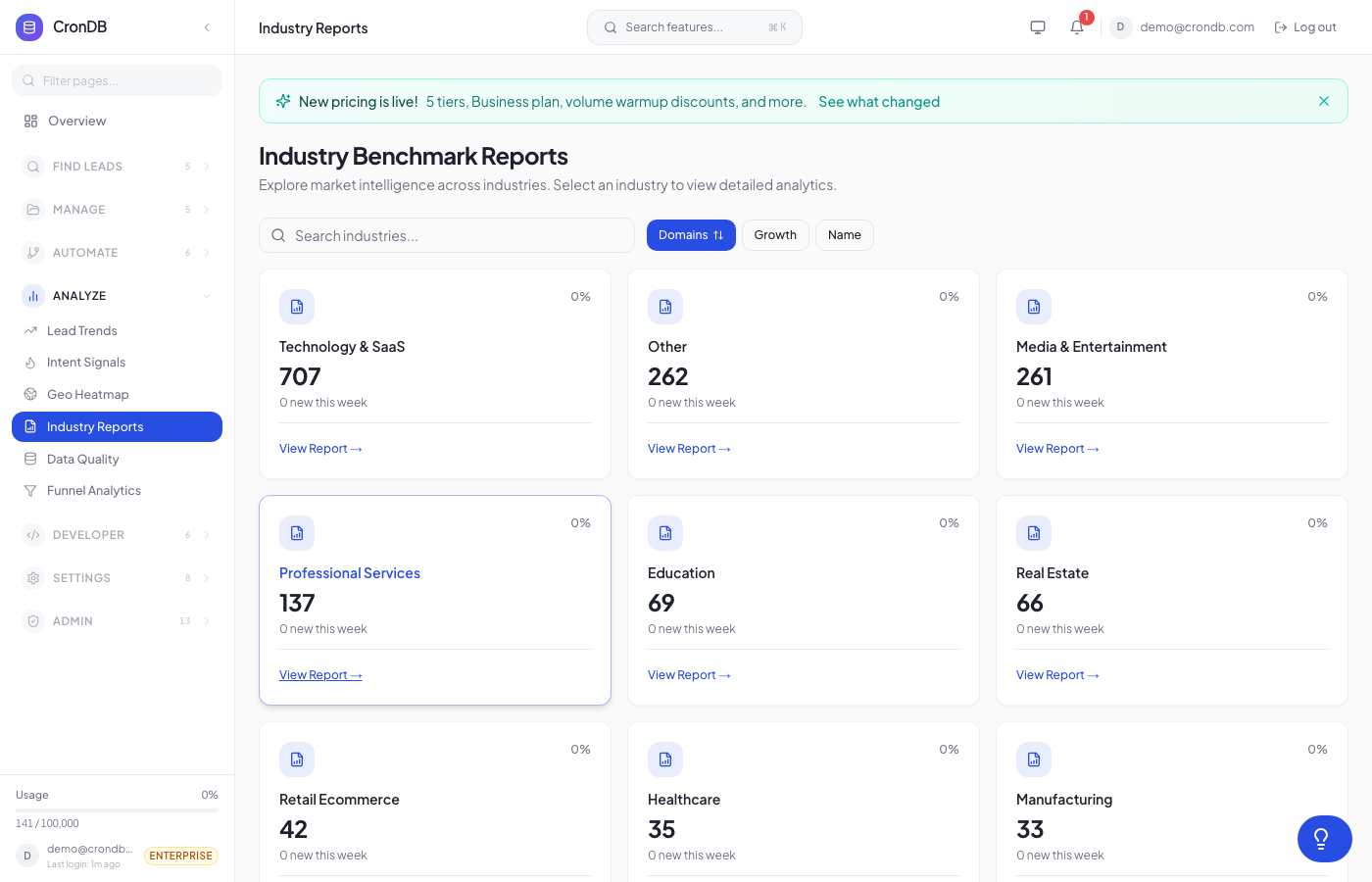
- Industry Analysis — Registration trends by industry
- Tech Stack Report — Technology adoption breakdown
- Custom — Build your own with selected fields
- Set filters (industry, country, date range, tech stack)
- Click Generate PDF
Reports include charts, tables, and summary statistics formatted for presentation.
Scheduled Reports
Automate recurring reports:
- Go to Settings → Scheduled Reports
- Click New Schedule
- Configure:
- Report type and filters
- Frequency — Daily, weekly, or monthly
- Recipients — Email addresses to receive the report
- Format — PDF attachment or inline summary
| Plan | Scheduled Reports |
|---|---|
| Starter | 2 |
| Pro | 5 |
| Business | 10 |
| Enterprise | 20 |
Data Export
On-Demand Export
Export search results or list contents as CSV/JSON:
- Run a search in the Lead Explorer or open a lead list
- Click Export in the toolbar
- Select format (CSV or JSON) and fields to include
- Download begins immediately
Export Limits
| Plan | Max Rows Per Export |
|---|---|
| Free Trial | — |
| Starter | 250 |
| Pro | 2,000 |
| Business | 5,000 |
| Enterprise | 10,000 |
Bulk Export
For large datasets, use the Bulk Export API:
curl -X POST "https://api.crondb.com/v1/bulk/export" \
  -H "Authorization: Bearer YOUR_TOKEN" \
  -H "Content-Type: application/json" \
  -d '{"filters": {"country": "US", "industry": "SaaS"}, "format": "csv"}'
Funnel Analytics
Track lead progression through your pipeline:
- Discovered → Scraped → Enriched → High Confidence → Has Email
- Visualize conversion rates between stages
- Filter by time period, industry, or country
Navigate to Insights → Funnel in the sidebar.
Next Steps
- Market Intelligence — Market overview and trends
- Usage Dashboard — Monitor your export quota
- Bulk API — Programmatic bulk export