Quick Start Guide
Welcome to CronDB — the fresh domain intelligence platform. This guide will get you from zero to your first API call in under 5 minutes.
What is CronDB?
CronDB discovers newly registered domains and enriches them with:
- AI business summaries — what each domain is about
- Contact data — emails, phone numbers, social links
- Tech stack detection — CMS, analytics, e-commerce, chat widgets
- Industry classification — automatically categorized
- Intent signals — buying signals based on tech adoption
Step 1: Create Your Account
- Go to app.crondb.com
- Click Sign up free or use Continue with Google
- You'll get 100 free API queries to start
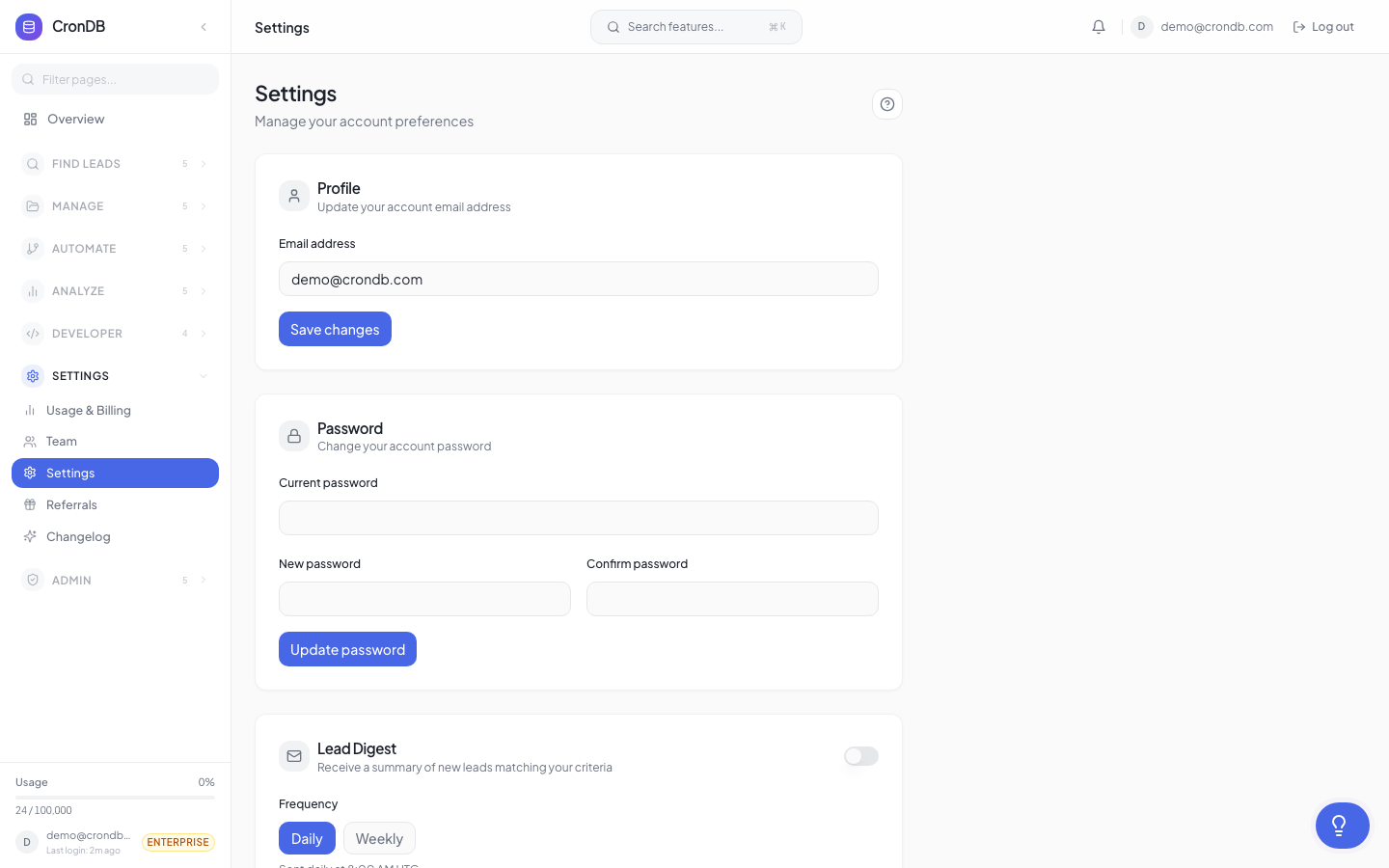
Step 2: Get Your API Key
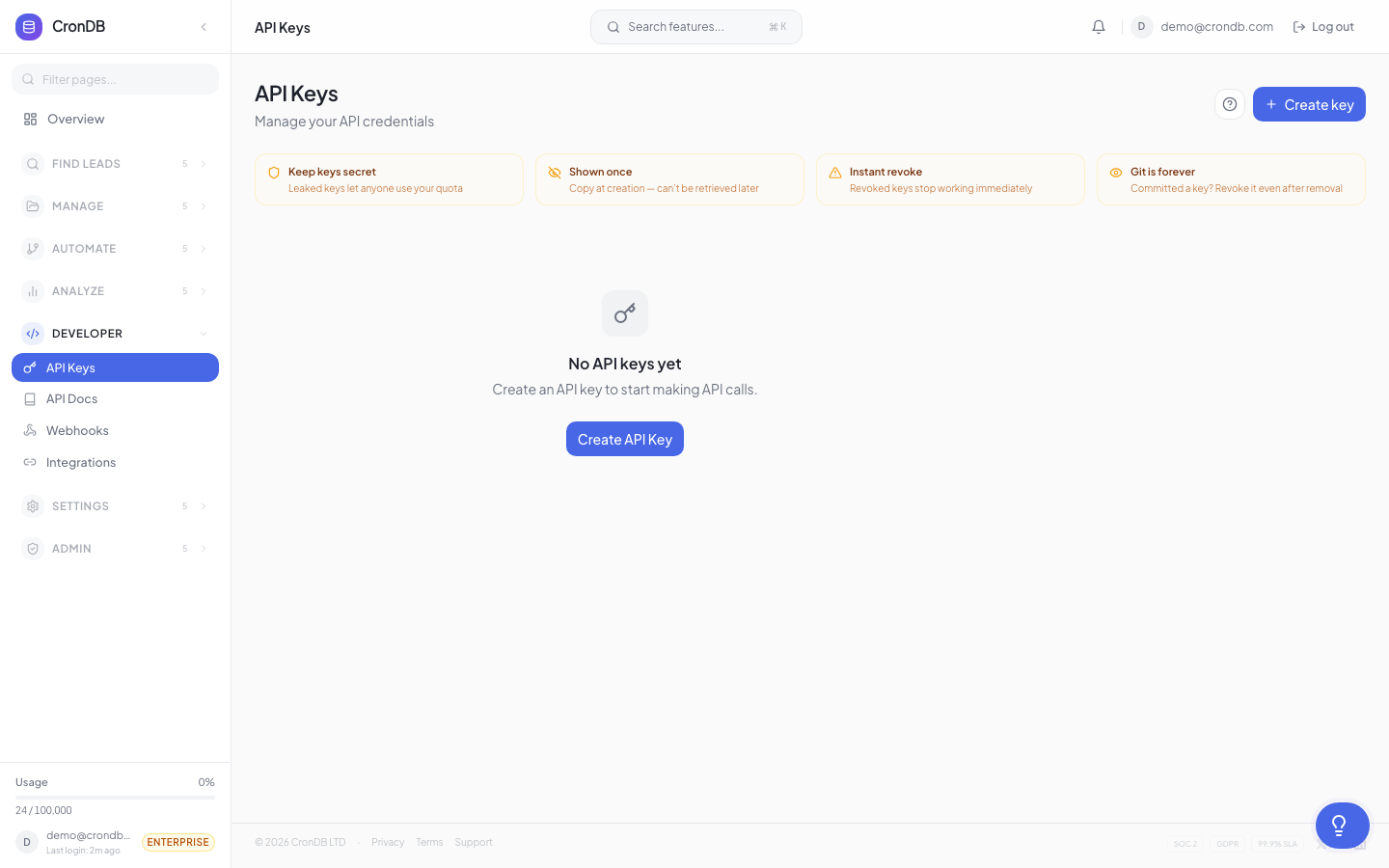
- Navigate to Developer → API Keys in the sidebar
- Click + Create API Key
- Give it a name (e.g., "My First Key")
- Copy the key — it starts with
cdb_and is shown only once
Store Your Key Safely
Your API key is shown only once when created. Store it in a secure location like a password manager or environment variable.
Step 3: Make Your First API Call
curl -H "Authorization: Bearer YOUR_API_KEY" \
  "https://api.crondb.com/v1/enrichment/domain?domain=example.com"
Response:
{
  "domain": "example.com",
  "industry": "Technology",
  "business_type": "B2B SaaS",
  "confidence": 0.92,
  "website_summary": "Example Corp provides cloud-based project management tools for enterprise teams.",
  "tech_stack": {
    "cms": "WordPress",
    "analytics": ["Google Analytics", "Hotjar"],
    "chat": "Intercom",
    "ecommerce": null
  },
  "contact": {
    "emails": ["hello@example.com"],
    "phone": "+1-555-0123"
  }
}
Step 4: Explore the Dashboard
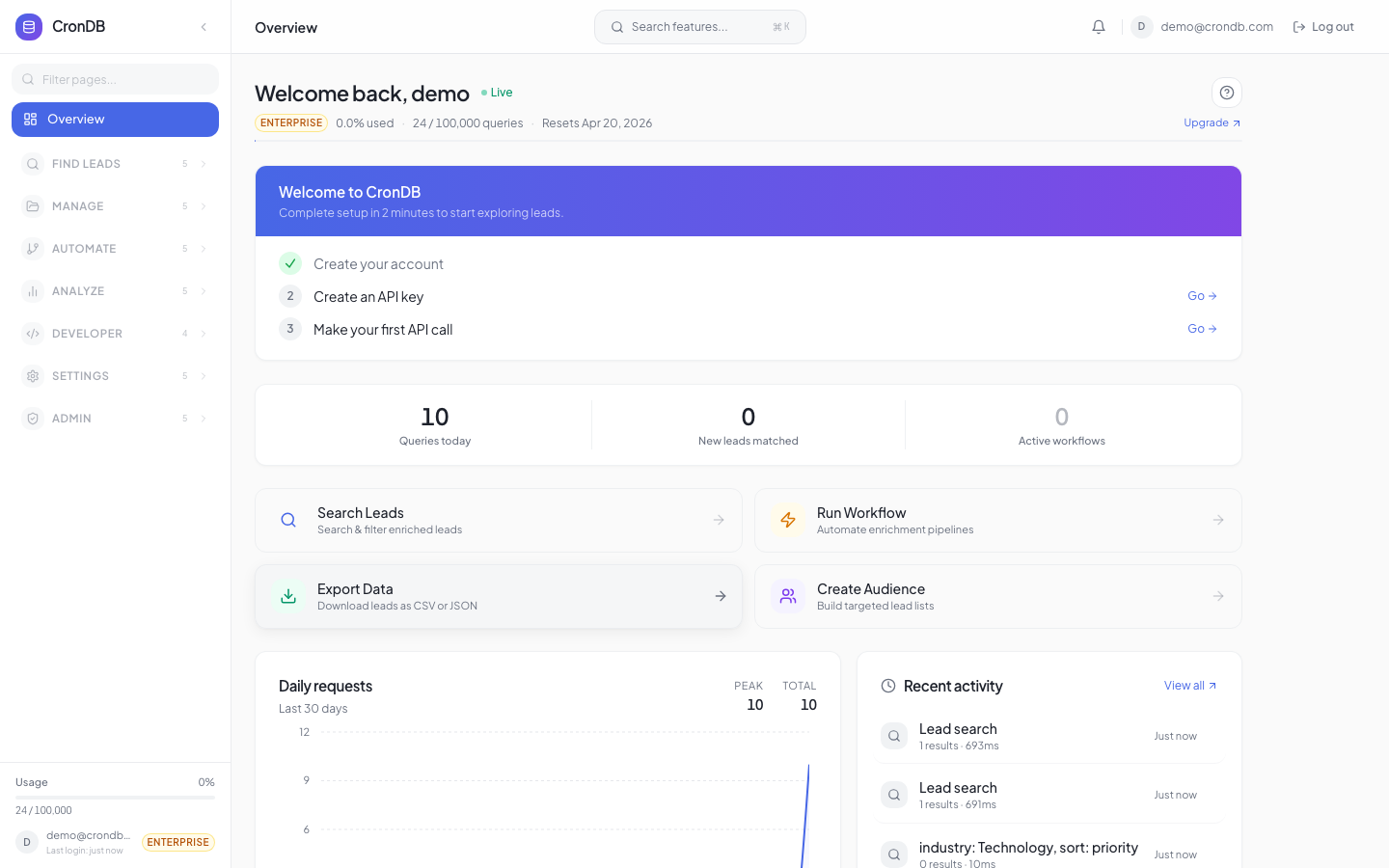
Log into app.crondb.com/dashboard to:
- Search domains with filters (industry, country, tech stack)
- Create lead lists to organize prospects
- Set up alerts for new domains matching your criteria
- Build scoring rules to rank leads automatically
Common Workflow: Search → Enrich → Export
Here's the typical CronDB workflow in three API calls:
1. Search for matching domains
import requests

API_KEY = "cdb_your_api_key_here"
headers = {"Authorization": f"Bearer {API_KEY}"}

# Find US SaaS startups with email
search = requests.post(
    "https://api.crondb.com/v1/search/domains",
    headers=headers,
    json={
        "industry": "Technology",
        "country": "US",
        "has_email": True,
        "confidence_min": 0.8,
        "per_page": 25,
    },
)
results = search.json()["results"]
print(f"Found {len(results)} domains")
2. Enrich for full details
# Get full details for the top result
domain = results[0]["domain"]
enriched = requests.get(
    f"https://api.crondb.com/v1/enrichment/domain",
    headers=headers,
    params={"domain": domain},
)
data = enriched.json()
print(f"{domain}: {data['industry']} — {data['website_summary']}")
print(f"Contact: {data['contact']['emails']}")
3. Export to CSV
# Export all found domains as CSV
domains = [r["domain"] for r in results]
export = requests.post(
    "https://api.crondb.com/v1/bulk/export",
    headers=headers,
    json={"domains": domains},
)
with open("leads.csv", "w") as f:
    f.write(export.text)
print(f"Exported {len(domains)} leads to leads.csv")
What's Next?
- Account Setup — Configure your profile and preferences
- Dashboard Tour — Visual walkthrough of every feature
- API Reference — Full endpoint documentation
- Outreach Sequences — Automate your outreach campaigns
- Domain 360 — Get complete intelligence on any domain
Free Plan Includes
Every free account gets 100 API queries/day, 1 lead list, 1 alert rule, and access to the full dashboard.