API Keys
API keys authenticate your applications with the CronDB API. Each key is a unique credential that identifies your account and tracks usage.
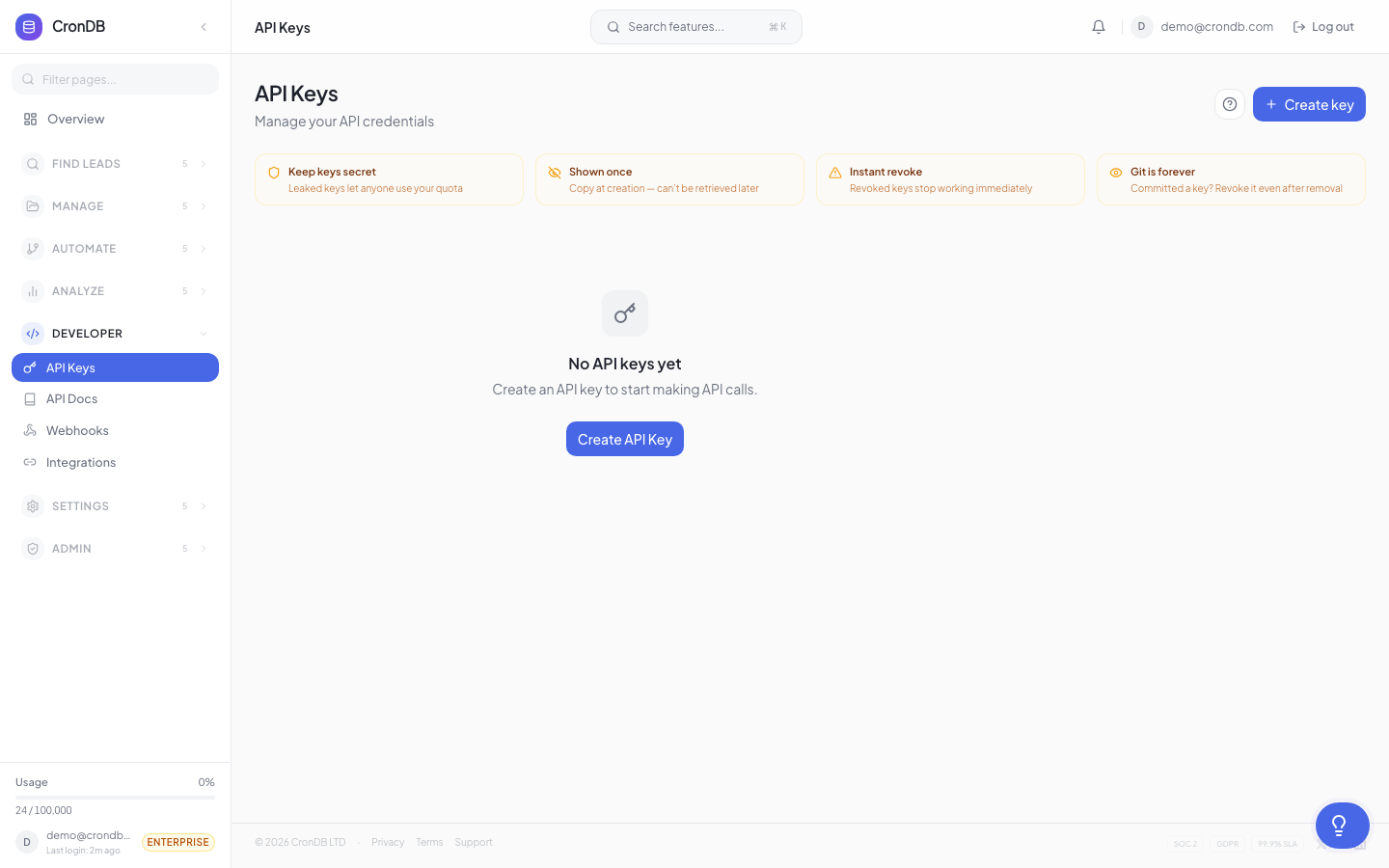
Creating an API Key
- Navigate to Developer → API Keys
- Click + Create API Key
- Enter a descriptive name (e.g., "Production Backend", "Staging", "Zapier")
- Click Create
- Copy the key immediately — it is displayed only once
API keys follow the format: cdb_[random_string]
Your API key is shown only at creation time. CronDB stores a hashed version and cannot retrieve the original. If you lose a key, create a new one and revoke the old one.
Using Your API Key
Include the key in the Authorization header of every API request:
curl -H "Authorization: Bearer cdb_your_api_key_here" \
  "https://api.crondb.com/v1/enrichment/domain?domain=example.com"
Python
import requests

headers = {"Authorization": "Bearer cdb_your_api_key_here"}
response = requests.get(
    "https://api.crondb.com/v1/enrichment/domain",
    params={"domain": "example.com"},
    headers=headers,
)
JavaScript
const response = await fetch(
  "https://api.crondb.com/v1/enrichment/domain?domain=example.com",
  {
    headers: { Authorization: "Bearer cdb_your_api_key_here" },
  }
);
Managing Keys
Key Dashboard
The API Keys page shows all your keys:
| Column | Description |
|---|---|
| Name | The label you assigned |
| Key Prefix | First 8 characters (for identification) |
| Created | When the key was generated |
| Last Used | Most recent API call |
| Queries | Total queries made with this key |
| Status | Active or Revoked |
Renaming a Key
Click the key name to edit it. Changing the name does not affect the key's functionality.
Viewing Key Usage
Click Usage next to any key to see:
- Daily query count for this specific key
- Endpoint breakdown
- Error rates
- Most recent requests
Revoking a Key
- Find the key in the list
- Click the Revoke button (or three-dot menu → Revoke)
- Confirm the revocation
- The key immediately stops working
Revoked keys remain visible in the list (marked as revoked) for audit purposes.
To rotate a key without downtime:
- Create a new key
- Update your application to use the new key
- Deploy the update
- Verify the new key is working
- Revoke the old key
Best Practices
Use Separate Keys per Environment
Production:  cdb_...prod_key
Staging:     cdb_...staging_key
Development: cdb_...dev_key
This lets you revoke a compromised key without affecting other environments.
Store Keys Securely
- Use environment variables, not hardcoded strings
- Use a secrets manager (AWS Secrets Manager, HashiCorp Vault)
- Never commit API keys to version control
- Never share keys in plaintext via email or chat
# Good: Environment variable
export CRONDB_API_KEY="cdb_your_api_key_here"
# Good: Read from environment
import os
api_key = os.environ["CRONDB_API_KEY"]
Monitor Key Usage
Check the usage dashboard regularly to:
- Detect unexpected spikes (possible key compromise)
- Identify unused keys (candidates for revocation)
- Understand which applications consume the most quota
Key Limits
| Plan | Max API Keys |
|---|---|
| Free | 2 |
| Starter | 5 |
| Pro | 20 |
| Enterprise | Unlimited |
Next Steps
- Your First API Call — Use your key to make requests
- API Authentication — Detailed auth documentation
- Security — Protect your account and keys