Security
CronDB is designed with security in mind. This page covers authentication options, API key security, session management, and best practices for protecting your account.
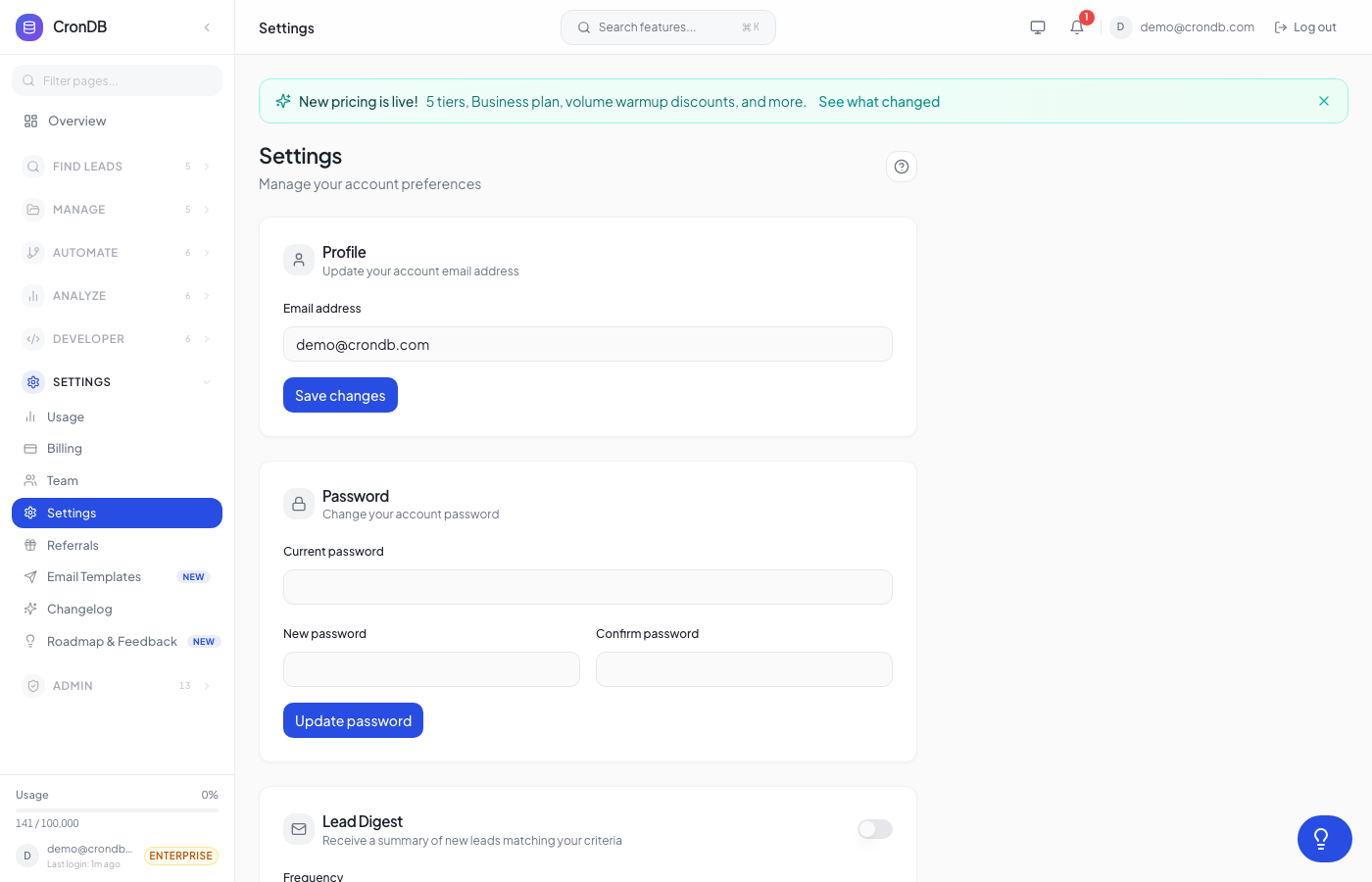
Authentication Methods
Email & Password
The default authentication method. Requirements:
- Minimum 8 characters
- At least one uppercase letter, one number, and one special character
- Password is hashed with bcrypt before storage
- CronDB never stores plaintext passwords
Google OAuth
Sign in with your Google account:
- Click Continue with Google on the login page
- Authorize CronDB to access your basic profile
- No separate password needed
Benefits:
- Inherits your Google account's security (2FA, device management)
- No CronDB-specific password to manage
- Faster sign-in experience
SSO / SAML (Enterprise)
Enterprise plan customers can configure SAML-based SSO:
- Contact support@crondb.com to enable SSO
- Configure your identity provider (Okta, Azure AD, OneLogin, etc.)
- Provide your SAML metadata URL
- Team members sign in through your corporate identity provider
SSO benefits:
- Centralized authentication management
- Automatic provisioning and deprovisioning
- Compliance with corporate security policies
API Key Security
Key Storage
- API keys are hashed before storage using SHA-256
- The full key is displayed only once at creation
- CronDB cannot retrieve your original key
Key Rotation
Rotate keys periodically (recommended every 90 days):
- Create a new API key
- Update your applications to use the new key
- Verify the new key works in production
- Revoke the old key
Compromised Key Response
If you suspect an API key has been compromised:
- Revoke the key immediately — Go to Developer → API Keys → Revoke
- Create a new key — Generate a replacement
- Check usage logs — Review recent API calls for unauthorized activity
- Update your applications — Deploy the new key
- Audit access — Review who had access to the old key
Act Quickly
A compromised API key can be used to consume your quota, access your enrichment data, and make requests on your behalf. Revoke it as soon as you suspect a compromise.
Session Management
Session Duration
- Web sessions — Expire after 7 days of inactivity
- Active sessions — Remain active as long as you interact with the dashboard
- Remember me — Extends session to 30 days
Viewing Active Sessions
- Go to Account → Settings → Security → Active Sessions
- See all devices and browsers where you are logged in
- Each session shows: device type, browser, IP address, last activity
Revoking Sessions
Click Revoke next to any session to log out that device:
- Useful if you forgot to log out on a shared computer
- The revoked session is terminated immediately
- Revoke All logs out all devices except your current session
Data Security
Encryption
| Data | Encryption |
|---|---|
| Data in transit | TLS 1.3 |
| Data at rest | AES-256 |
| API keys | SHA-256 hash |
| Passwords | bcrypt |
Infrastructure
- CronDB runs on secure cloud infrastructure
- Regular security audits and penetration testing
- SOC 2 compliance (Enterprise plan)
- GDPR compliant data processing
Data Retention
| Data Type | Retention |
|---|---|
| Domain data | Updated continuously |
| Lead lists | Until deleted by user |
| API logs | 90 days |
| Usage data | 12 months |
| Deleted accounts | 30 days, then permanently purged |
Best Practices
For Your Account
- Use a strong, unique password — Do not reuse passwords from other services
- Use Google OAuth — Leverages Google's security infrastructure
- Review sessions regularly — Check for unauthorized access
- Keep your email current — Ensures you receive security notifications
For API Keys
- Never hardcode keys — Use environment variables or secrets managers
- Never commit keys to git — Add
.envto your.gitignore - Use separate keys per environment — Isolate production from development
- Rotate keys every 90 days — Minimize exposure window
- Monitor usage — Watch for unexpected spikes or patterns
For Teams
- Use least-privilege roles — Assign Viewer roles unless Member access is needed
- Remove departing members promptly — Revoke access when people leave
- Use SSO if available — Centralized access control for Enterprise
- Audit the activity log — Review team actions periodically
Reporting Security Issues
If you discover a security vulnerability in CronDB:
- Email security@crondb.com
- Include a detailed description of the issue
- Do not publicly disclose the vulnerability before it is resolved
- We aim to acknowledge reports within 24 hours
Next Steps
- Account Settings — Manage your profile and password
- API Keys — Create and manage keys securely
- Team Management — Configure team roles and access