Account Settings
Manage your CronDB account settings including profile information, password, timezone, and notification preferences.
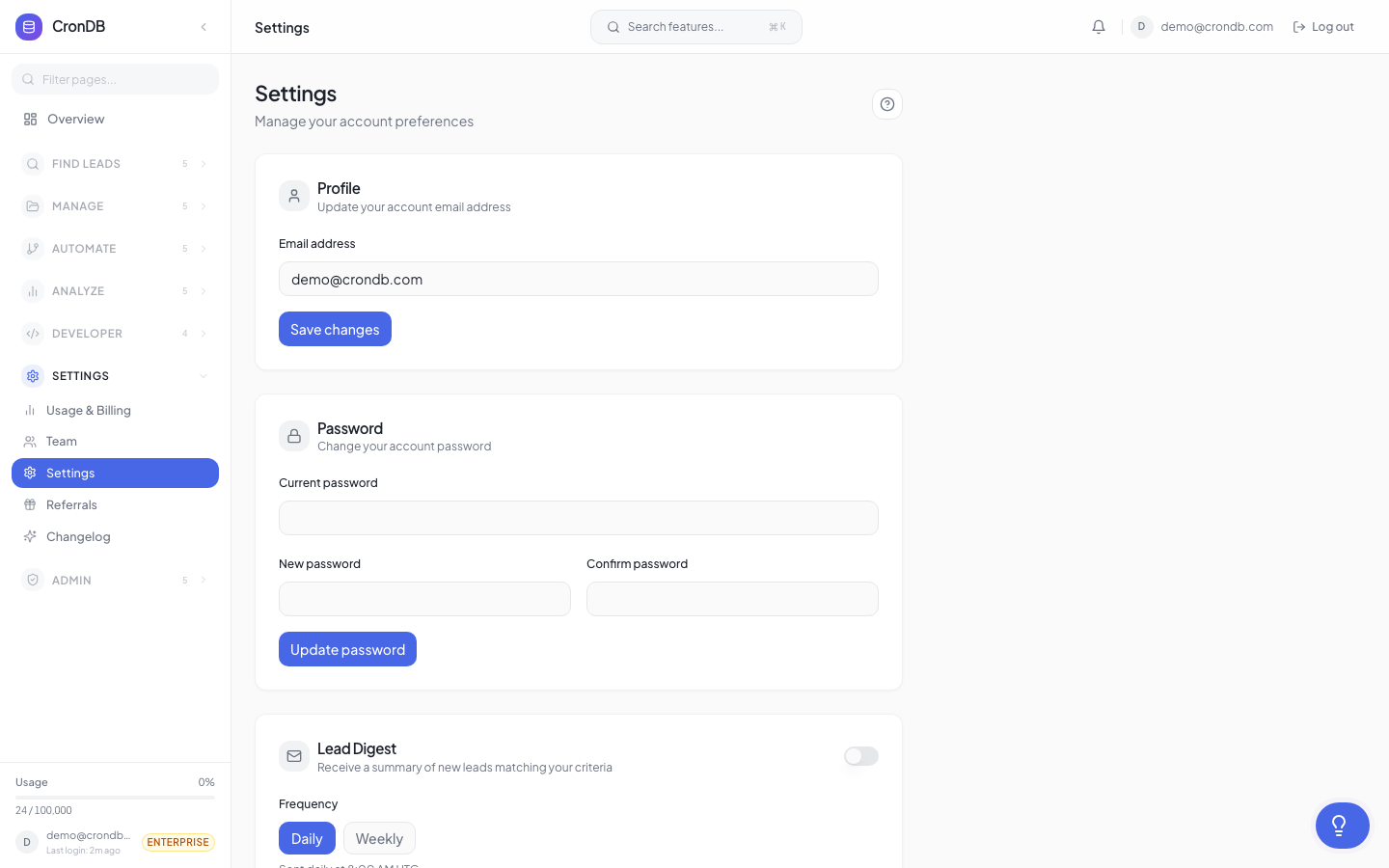
Accessing Settings
Navigate to Account → Settings in the sidebar.
Profile Information
Profile Settings
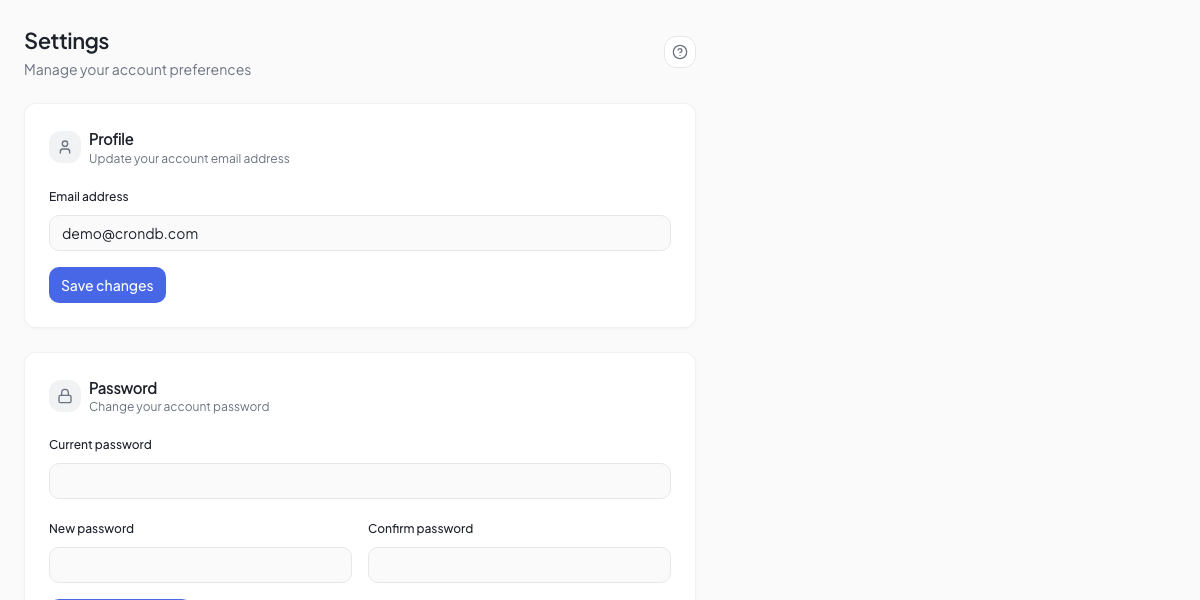
Email Address
Your email is used for:
- Logging into CronDB
- Receiving alert notifications and digests
- Account recovery
- Team invitations
To change your email:
- Enter your new email address
- Click Update Email
- Verify the new address via the confirmation email
- Your login credentials update after verification
Display Name
Your name appears in:
- Team member lists
- Sequence sender fields (if used as sender)
- Activity logs
Timezone
Set your timezone for accurate:
- Alert digest delivery times
- Sequence send window scheduling
- Usage dashboard date grouping
- Activity log timestamps
CronDB auto-detects your timezone on signup but you can change it anytime.
Password Management
Changing Your Password
- Go to Account → Settings → Security
- Enter your current password
- Enter your new password (minimum 8 characters)
- Confirm the new password
- Click Update Password
Password Requirements
- Minimum 8 characters
- At least one uppercase letter
- At least one number
- At least one special character
Forgot Password
If you cannot log in:
- Click Forgot Password on the login page
- Enter your email address
- Check your inbox for a reset link
- Click the link and set a new password
- The link expires after 1 hour
Notification Preferences
Configure which notifications you receive and how:
| Category | Options |
|---|---|
| Alert matches | Instant, Hourly Digest, Daily Digest, Off |
| Watchlist changes | Instant, Daily Digest, Off |
| Sequence events | Instant, Daily Digest, Off |
| Account activity | On, Off |
| Billing | Always On |
Digest Settings
For digest notifications:
- Delivery time — When to send the digest (e.g., 9:00 AM)
- Timezone — Defaults to your account timezone
- Include — Choose which data to include in the digest
Display Preferences
Theme
- Light — Default light theme
- Dark — Dark theme for reduced eye strain
- System — Follows your OS preference
Language
CronDB is currently available in English. Additional languages are planned.
Default View
Choose your landing page after login:
- Overview — Dashboard summary (default)
- Domain Explorer — Jump straight to search
- Sequences — Go to your outreach campaigns
Data & Privacy
Export Your Data
Download all your CronDB data:
- Go to Account → Settings → Data
- Click Export All Data
- CronDB generates a ZIP file containing your lead lists, audiences, scoring rules, alert configurations, and usage history
- Download link is sent to your email
Delete Your Account
To permanently delete your CronDB account:
- Go to Account → Settings → Data
- Click Delete Account
- Enter your password to confirm
- All data is permanently deleted within 30 days
This action is permanent and cannot be undone. All lead lists, audiences, sequences, API keys, and settings will be permanently deleted. Active subscriptions will be cancelled.
Next Steps
- API Keys — Manage your API credentials
- Team Management — Invite and manage team members
- Security — Advanced security settings