Upgrade Guide
Upgrade your CronDB plan to unlock higher quotas, more features, and team collaboration.
How to Upgrade
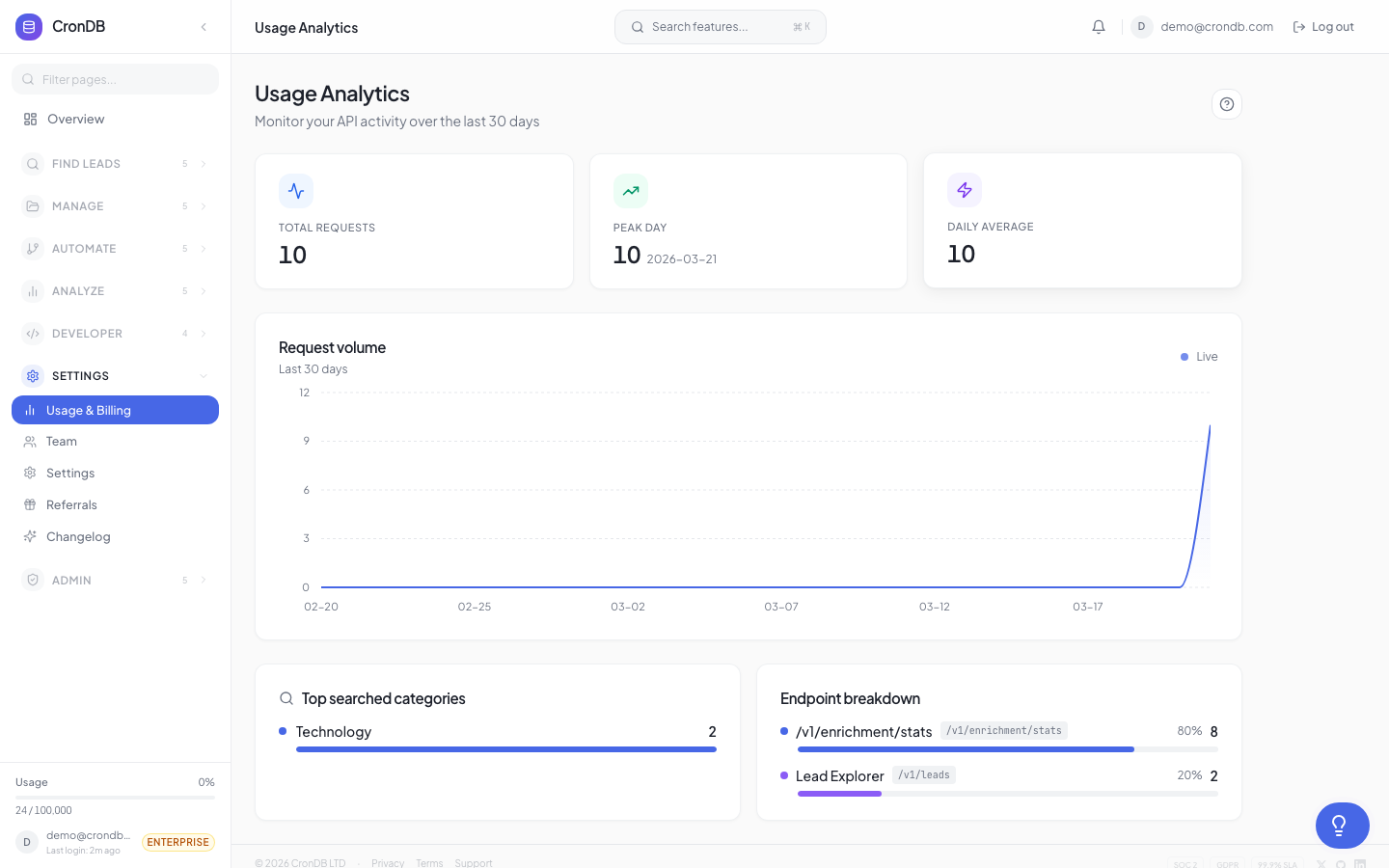
- Navigate to Account → Billing in the sidebar
- Click Change Plan or the Upgrade button
- Select your new plan
- Choose Monthly or Annual billing
- Complete the checkout via Stripe
Payment Methods
CronDB accepts:
- Credit and debit cards (Visa, Mastercard, American Express)
- ACH direct debit (US bank accounts, Enterprise plan)
All payments are processed securely through Stripe. CronDB never sees or stores your card details.
Plan Change Behavior
Upgrading
When you upgrade to a higher plan:
- Immediate access — New features and limits take effect instantly
- Prorated billing — You are charged a prorated amount for the remainder of your current billing cycle
- Quota increase — Your remaining quota for the current period increases by the difference between plans
Example: If you upgrade from Starter (10,000 queries) to Pro (100,000 queries) halfway through your billing cycle, you immediately get access to 90,000 additional queries for the rest of the period.
Downgrading
When you downgrade to a lower plan:
- End of cycle — The downgrade takes effect at the end of your current billing period
- Feature access — You keep your current plan's features until the cycle ends
- Data preserved — All your lead lists, audiences, sequences, and settings are preserved
- Excess resources — If you have more lists/rules than the new plan allows, existing ones are preserved but you cannot create new ones until you are within the limit
Review your current usage against the lower plan's limits. If you have 20 lead lists and downgrade to Starter (10 lists), your existing lists remain but you cannot create new ones.
Annual vs. Monthly Billing
| Billing | Starter | Pro | Business | Enterprise |
|---|---|---|---|---|
| Monthly | $49/mo | $149/mo | $349/mo | $999/mo |
| Annual | $39/mo ($468/yr) | $119/mo ($1,428/yr) | $279/mo ($3,348/yr) | $799/mo ($9,588/yr) |
| Savings | 20% | 20% | 20% | 20% |
Annual billing is paid upfront for the full year. You can switch from monthly to annual at any time.
Switching to Annual
- Go to Account → Billing
- Click Switch to Annual
- You will be charged the annual amount minus any credit from your current monthly period
- Annual billing begins immediately
Invoices
Invoices are generated automatically:
- Monthly plans — Invoice on your billing date each month
- Annual plans — Single invoice at purchase
- Overage charges — Added to your next monthly invoice
Access invoices in Account → Billing → Invoices. Each invoice includes:
- Plan charges
- Overage charges (if any)
- Tax (where applicable)
- Download as PDF
Cancellation
To cancel your subscription:
- Go to Account → Billing
- Click Cancel Subscription
- Select a reason (optional but helpful)
- Your plan continues until the end of the current billing period
- After that, your account reverts to the Free plan
Your data is preserved for 90 days after cancellation. You can reactivate at any time.
CronDB does not require contracts. You can upgrade, downgrade, or cancel at any time. Annual plans can be cancelled but are not refundable for the remaining period.
Enterprise Custom Pricing
For organizations with needs beyond the standard Enterprise plan:
- Volume discounts for high-query usage
- Custom SLA terms
- Dedicated infrastructure
- Custom data retention policies
Contact sales@crondb.com or click Contact Sales on the pricing page.
Next Steps
- Plans & Pricing — Compare all plan features
- Usage Dashboard — Check your current usage before upgrading
- Account Settings — Manage your billing information