Integrations Overview
CronDB integrates with your existing tools to automate lead routing, data enrichment, and outreach workflows. This page covers all available integrations and what is coming soon.
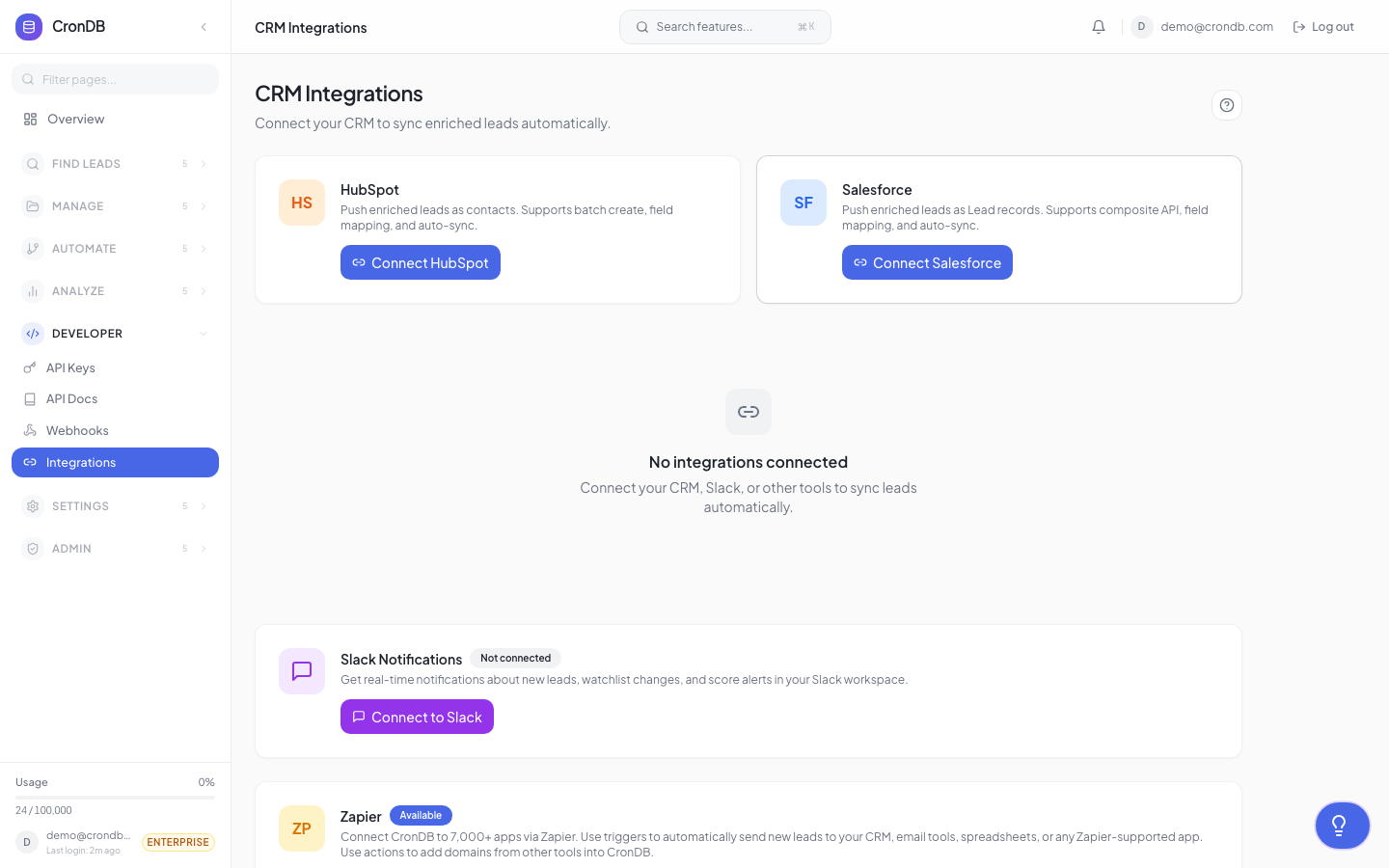
Available Integrations
Webhooks
Push CronDB events to any application that accepts HTTP requests. Use webhooks to:
- Send alert matches to Slack
- Update your CRM when new leads appear
- Trigger automation workflows in Zapier or Make
- Sync data with your backend
Status: Available on Starter, Pro, and Enterprise plans.
See Webhooks for setup details.
Workflows
CronDB's built-in workflow builder lets you create if-this-then-that automations within the dashboard:
- Trigger on alerts, watchlist changes, or sequence events
- Add conditions and branching logic
- Execute actions: send email, add to list, update score, call webhook
Status: Available on Pro and Enterprise plans.
See Workflows for the full guide.
Email Providers
Connect your email account for outreach sequences:
| Provider | Method | Status |
|---|---|---|
| Gmail | OAuth | Available |
| Google Workspace | OAuth | Available |
| Microsoft Outlook | OAuth | Available |
| Microsoft 365 | OAuth | Available |
| Custom SMTP | SMTP credentials | Available |
CSV Import/Export
Import data from and export data to CSV files:
- Import domain lists for enrichment
- Export lead lists, audiences, and search results
- Schedule recurring exports
Status: Available on all plans.
Coming Soon
CRM Integrations
| CRM | Features | Expected |
|---|---|---|
| HubSpot | Bi-directional sync, create contacts, update deals | Q2 2026 |
| Salesforce | Push leads, sync enrichment data, update records | Q2 2026 |
| Pipedrive | Create contacts, sync deal stages | Q3 2026 |
See CRM Integrations for details on upcoming features.
Zapier
Connect CronDB to 5,000+ apps through Zapier:
- Trigger Zaps when new domains match your alerts
- Push enriched domain data to any Zapier-connected app
- Two-way data flow
Expected: Q2 2026
Make (Integromat)
Similar to Zapier with visual workflow builder:
- CronDB modules for triggers and actions
- Multi-step scenarios
- Scheduled data sync
Expected: Q3 2026
Chrome Extension
Enrich any domain while browsing:
- Hover over a domain to see CronDB data
- Add domains to lists directly from your browser
- View tech stack and contact info on any website
Expected: Q3 2026
Integration Architecture
All integrations follow a consistent pattern:
CronDB Event → Webhook/API → Your Application
                    ↑
              Authentication (API Key or OAuth)
For outbound integrations (CronDB pushing data):
- Webhooks deliver events in real time
- API polling is available for batch processing
For inbound integrations (your apps pushing to CronDB):
- REST API accepts data from any application
- CSV import for bulk data
API-First Approach
Every feature in CronDB is available through the API, so you can build custom integrations for any tool or workflow. The API Reference covers all endpoints.
Next Steps
- Workflows — Build automations in the dashboard
- Webhooks — Push events to your systems
- CRM — Upcoming CRM integrations
- API Overview — Build custom integrations