CRM Integrations
CronDB is building native integrations with popular CRM platforms. These integrations will sync enriched domain data, create contacts, and keep your CRM up to date automatically.
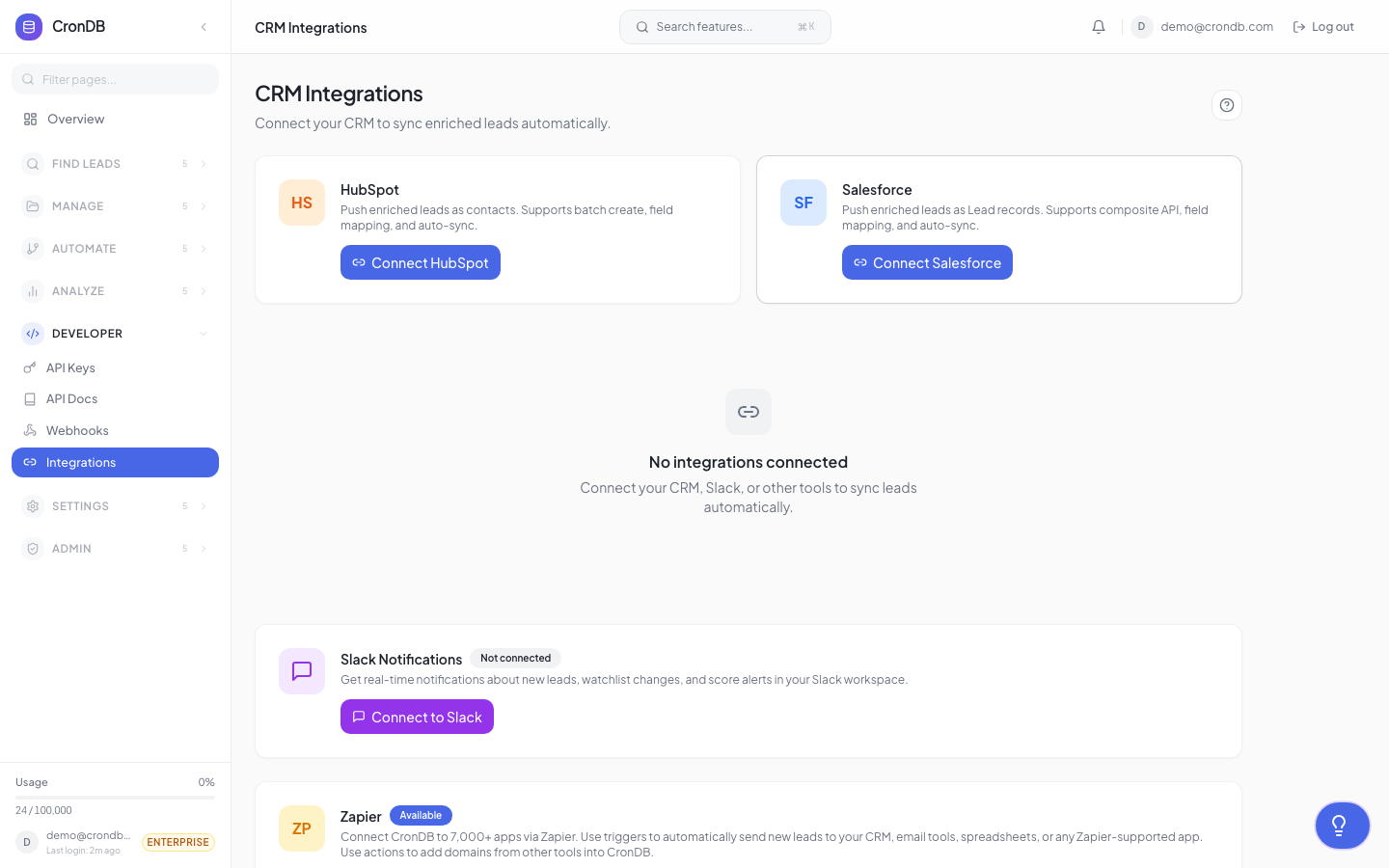
Coming Soon
CRM integrations are currently in development. This page describes planned functionality. Sign up for early access at app.crondb.com/integrations.
HubSpot (Coming Q2 2026)
Planned Features
| Feature | Description |
|---|---|
| Create contacts | Automatically create HubSpot contacts from CronDB leads |
| Enrich existing contacts | Add CronDB data to your existing HubSpot contacts |
| Create companies | Create company records with enrichment data |
| Sync properties | Map CronDB fields to HubSpot custom properties |
| Bi-directional sync | Changes in HubSpot reflect in CronDB and vice versa |
| Deal creation | Auto-create deals when leads meet score thresholds |
How It Will Work
- Connect your HubSpot account via OAuth
- Map CronDB fields to HubSpot properties:
industry→ HubSpot Industrytech_stack→ Custom Propertyengagement_score→ Lead Scorewebsite_summary→ Description
- Configure sync rules:
- Which lead lists or audiences to sync
- Create vs. update behavior
- Sync frequency (real-time or batched)
- Activate the integration
Data Mapping
| CronDB Field | HubSpot Property | Type |
|---|---|---|
| domain | Website | String |
| industry | Industry | Dropdown |
| country | Country | Dropdown |
| emails[] | String | |
| phone | Phone | String |
| website_summary | Description | Text |
| tech_stack | Custom: Tech Stack | Multi-select |
| score | HubSpot Score | Number |
Salesforce (Coming Q2 2026)
Planned Features
| Feature | Description |
|---|---|
| Push leads | Create Salesforce Lead records from CronDB |
| Enrich accounts | Add CronDB data to existing Account records |
| Custom objects | Sync to custom Salesforce objects |
| Field mapping | Map any CronDB field to any Salesforce field |
| Workflow triggers | Trigger Salesforce Flows from CronDB events |
| Reporting | CronDB data available in Salesforce reports |
How It Will Work
- Connect Salesforce via OAuth (admin permissions required)
- Choose sync target: Leads, Contacts, or Accounts
- Map fields between CronDB and Salesforce
- Set sync rules and deduplication logic
- Activate
Pipedrive (Coming Q3 2026)
Planned Features
- Create persons and organizations from CronDB data
- Sync deal stages with sequence engagement
- Auto-create activities from sequence events
- Custom field mapping
Current Workarounds
While native CRM integrations are being built, you can connect CronDB to your CRM today using:
Webhooks + Middleware
- Set up a CronDB webhook
- Use a middleware service (Zapier, Make, or custom) to receive events
- Map and push data to your CRM
Example: CronDB → Zapier → HubSpot
CronDB Webhook → Zapier Catch Hook → HubSpot Create Contact
API Integration
Build a custom integration using the CronDB API:
import requests

# 1. Get enriched domain from CronDB
crondb_response = requests.get(
    "https://api.crondb.com/v1/enrichment/domain",
    params={"domain": "prospect.com"},
    headers={"Authorization": "Bearer cdb_your_key"},
)
domain_data = crondb_response.json()

# 2. Create contact in HubSpot
hubspot_response = requests.post(
    "https://api.hubapi.com/crm/v3/objects/contacts",
    headers={"Authorization": "Bearer hs_your_key"},
    json={
        "properties": {
            "email": domain_data["contact"]["emails"][0],
            "website": domain_data["domain"],
            "industry": domain_data["industry"],
        }
    },
)
CSV Export + Import
For a simpler approach:
- Export leads from CronDB as CSV
- Import the CSV into your CRM
- Schedule recurring exports for ongoing sync
Get Early Access
Want to be notified when CRM integrations launch? Enable notifications in Integrations → CRM on your dashboard, and you will receive an email when the integration for your CRM becomes available.
Next Steps
- Webhooks — Use webhooks as a CRM bridge today
- Workflows — Automate lead routing
- Export Center — Export for manual CRM import