Email Templates
CronDB includes 10 pre-built email templates across 6 categories to help you launch sequences faster. You can also create custom templates from scratch or by saving steps from existing sequences.
Built-In Templates
Cold Outreach (2 templates)
1. The Friendly Intro A warm, conversational first touch that references the prospect's domain and industry.
- Best for: First contact with new domain leads
- Tone: Casual, friendly
- Length: 3-4 sentences
2. The Value Proposition A direct pitch that leads with the benefit your product provides to their specific industry.
- Best for: Prospects in a closely matching industry
- Tone: Professional, confident
- Length: 4-5 sentences
Follow-Up (2 templates)
3. The Gentle Bump A short follow-up that references the original email without being pushy.
- Best for: 3-5 days after initial email with no reply
- Tone: Casual, brief
- Length: 2-3 sentences
4. The Case Study Share Follow-up that includes a relevant case study or result.
- Best for: Second or third touch
- Tone: Informative
- Length: 4-5 sentences
Meeting Request (2 templates)
5. The Quick Chat Direct ask for a 15-minute conversation.
- Best for: Warm leads who have opened previous emails
- Tone: Direct, respectful
- Length: 2-3 sentences
6. The Calendar Link Provides a scheduling link for easy booking.
- Best for: Final step in a sequence
- Tone: Professional
- Length: 3 sentences
Re-Engagement (1 template)
7. The Check-In Reconnect with prospects who went cold after initial interest.
- Best for: Contacts who opened but never replied
- Tone: Curious, low-pressure
- Length: 2-3 sentences
Breakup (1 template)
8. The Last Attempt Final email that creates urgency by signaling you will stop reaching out.
- Best for: Final step in a sequence
- Tone: Respectful, clear
- Length: 3-4 sentences
Industry-Specific (2 templates)
9. E-commerce Focus Tailored for e-commerce domains, referencing Shopify, WooCommerce, and growth metrics.
- Best for: Domains with e-commerce tech stack
- Tone: Results-oriented
- Length: 4-5 sentences
10. SaaS Focus Tailored for SaaS companies, referencing tech stack, growth signals, and competitive landscape.
- Best for: B2B SaaS domains
- Tone: Technical, peer-to-peer
- Length: 4-5 sentences
Using a Template
- While creating a sequence, click + Add Step → Email
- Click Use Template in the email editor
- Browse or search templates by category
- Click a template to preview it
- Click Use This Template to insert it into your step
- Customize the content, subject line, and variables
Templates are starting points. Always personalize the content, adjust the tone to match your brand voice, and ensure the personalization variables match your data.
Creating Custom Templates
From Scratch
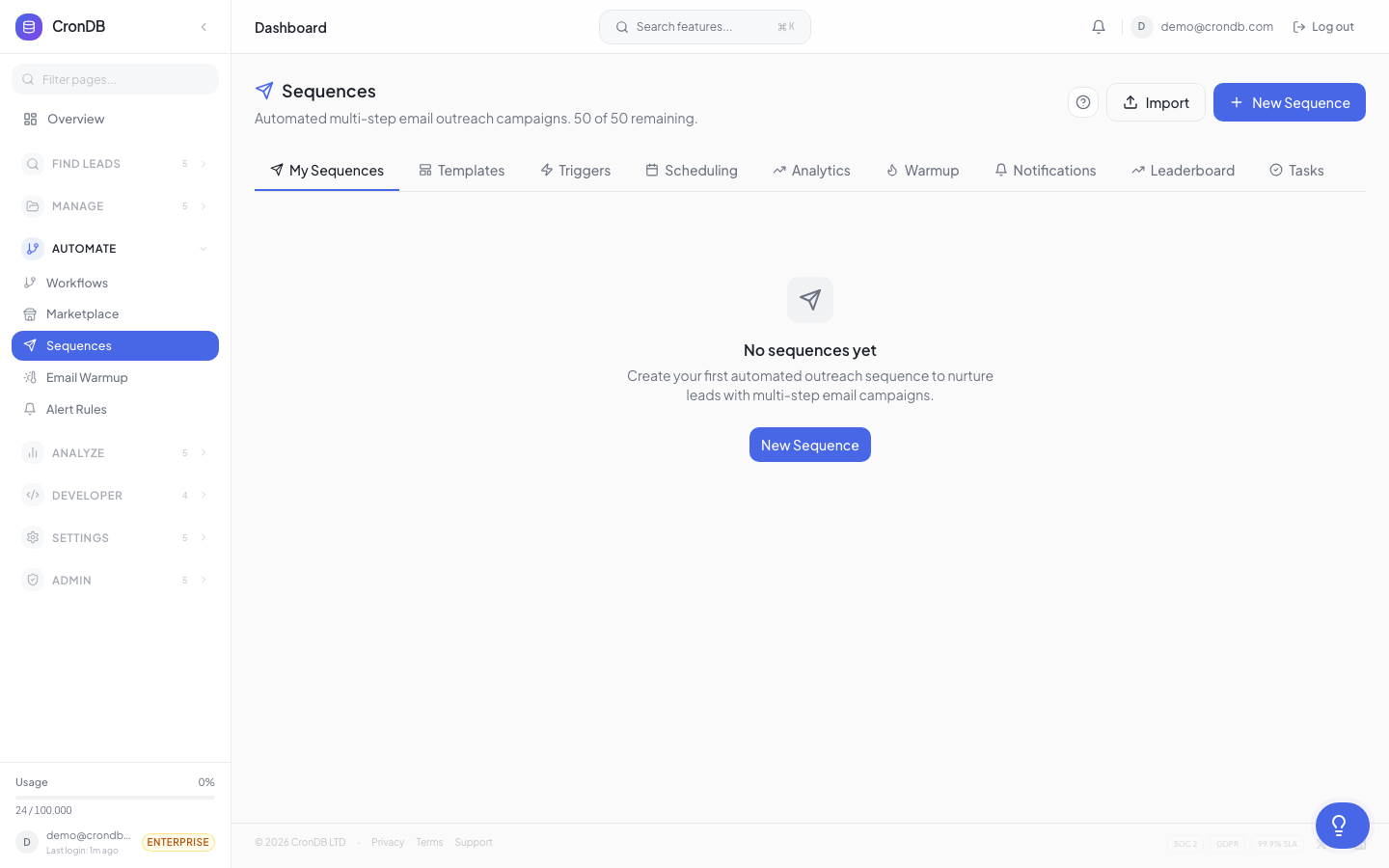
- Navigate to Sequences → Templates
- Click + New Template
- Enter a name and category
- Write the subject line and body using the rich text editor
- Add personalization variables as needed
- Click Save Template
From an Existing Sequence Step
- Open a sequence
- Click the three-dot menu on any email step
- Select Save as Template
- Give it a name and category
- The template is now available for all future sequences
Template Variables
All templates support the standard personalization variables:
| Variable | Description |
|---|---|
{{domain}} | Prospect's domain name |
{{company}} | Extracted company name |
{{industry}} | AI-classified industry |
{{country}} | Registrant country |
{{tech_stack}} | Key detected technologies |
{{summary}} | AI business summary |
{{sender_name}} | Your display name |
{{unsubscribe_link}} | Required unsubscribe link |
Managing Templates
The Templates tab lets you:
- Edit — Modify content, subject, or variables
- Duplicate — Create a copy for variation testing
- Delete — Remove templates you no longer need
- Share — Make templates available to your team (Pro and Enterprise)
Next Steps
- AI Writer — Generate templates automatically
- A/B Testing — Test template variations
- Creating Sequences — Build a full sequence