Multi-Channel Steps
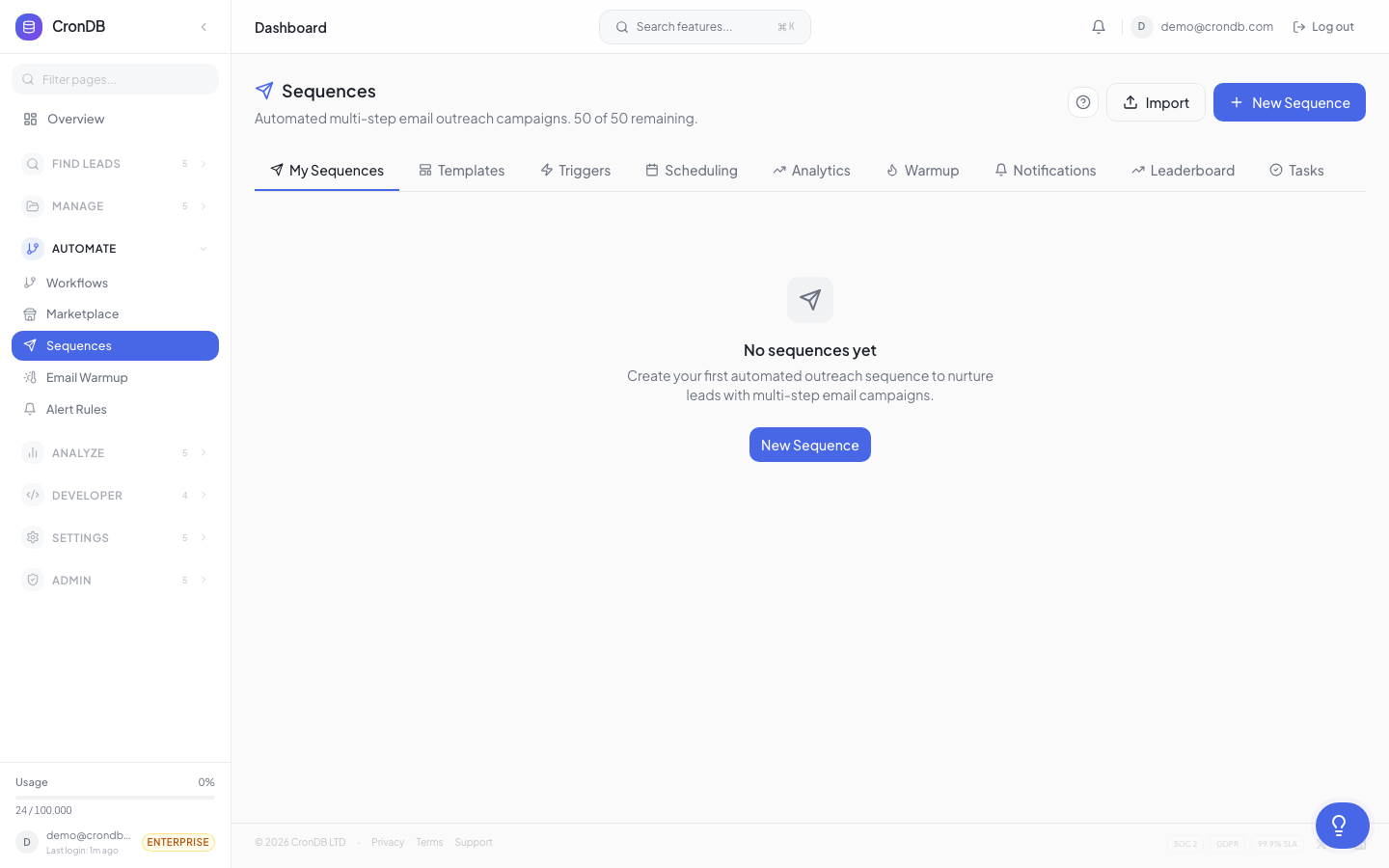
Sequences are not limited to email. You can add LinkedIn, phone, SMS, and manual task steps to build comprehensive outreach workflows that reach prospects across multiple channels.
LinkedIn Steps
Available on Pro and Enterprise plans.
Connection Request
Send a LinkedIn connection request with a personalized note:
- Note — Up to 300 characters, supports personalization variables
- Execution — CronDB queues the action; you confirm it in the Tasks tab or via the LinkedIn integration
LinkedIn Message
Send a direct message to an existing connection:
- Message — Full-length LinkedIn message with variable support
- Condition — Only executes if the prospect accepted your connection request
Profile View
Trigger a profile view to generate curiosity:
- Silent step — No message sent, just a notification to the prospect that you viewed their profile
- Best used before a connection request or email
LinkedIn steps require connecting your LinkedIn account in Sequences → Settings → Integrations. CronDB uses approved automation methods to stay within LinkedIn's usage limits.
Phone Call Steps
Available on Pro and Enterprise plans.
Phone steps create a task in your Tasks tab with all the context you need:
- Prospect info — Domain, company, industry, contact details
- Talking points — Auto-generated based on the prospect's enrichment data
- Call script — Optional custom script you provide
- Outcome logging — After the call, log the result (connected, voicemail, no answer, meeting booked)
The sequence advances to the next step after you log the outcome.
Configuring Phone Steps
- Add a Phone Call step to your sequence
- Optionally add talking points or a script
- Set the priority (Low, Medium, High)
- Choose whether the sequence should wait for completion or advance after a delay
SMS Steps
Available on Enterprise plans.
Send text messages through an integrated SMS provider:
- Message — Up to 160 characters, supports personalization variables
- Provider — Connect Twilio, MessageBird, or another supported provider in Settings
- Opt-out — Automatic opt-out handling (reply STOP)
SMS outreach is subject to TCPA and other regulations. Only send SMS to prospects who have opted in or where you have a legitimate business relationship. CronDB automatically handles opt-out requests.
Manual Task Steps
Available on all plans with sequences.
Manual tasks are custom to-do items that pause the sequence until completed:
Creating a Task Step
- Add a Manual Task step
- Enter a task name (e.g., "Research prospect's LinkedIn", "Send custom proposal")
- Add a description with instructions
- Set priority: Low, Medium, or High
- Optionally assign to a team member (Pro and Enterprise)
Completing Tasks
- Navigate to Sequences → Tasks
- See all pending tasks sorted by priority and due date
- Click a task to see the prospect's context
- Complete the action described
- Click Mark Complete to advance the sequence
Task Tab Features
| Feature | Description |
|---|---|
| Filter by sequence | Show tasks from a specific sequence |
| Filter by priority | Focus on high-priority tasks |
| Filter by assignee | See only your tasks (for teams) |
| Bulk complete | Mark multiple tasks done at once |
| Snooze | Delay a task to a later date |
Multi-Channel Sequence Example
Here is a complete multi-channel sequence:
| Day | Step | Channel |
|---|---|---|
| 0 | View LinkedIn profile | |
| 1 | Send introduction email | |
| 2 | Send LinkedIn connection request | |
| 4 | Follow-up email (if no reply) | |
| 5 | LinkedIn message (if connected) | |
| 7 | Phone call task | Phone |
| 10 | Final email with meeting link |
Channel Priority
When a prospect engages on one channel, you may want to shift your approach:
- Replied to email → Skip remaining LinkedIn and phone steps
- Accepted LinkedIn → Prioritize LinkedIn messages over email
- Answered phone → Log outcome and exit or advance accordingly
Use Condition steps between channels to create this branching logic.
Next Steps
- Creating Sequences — Full sequence builder guide
- Triggers — Auto-enroll prospects from audiences
- Engagement Scoring — Track multi-channel engagement