Intent Alerts
Intent alerts notify you when new domains matching your criteria are discovered by CronDB. Define your ideal lead profile once, and receive notifications automatically as matching domains appear.
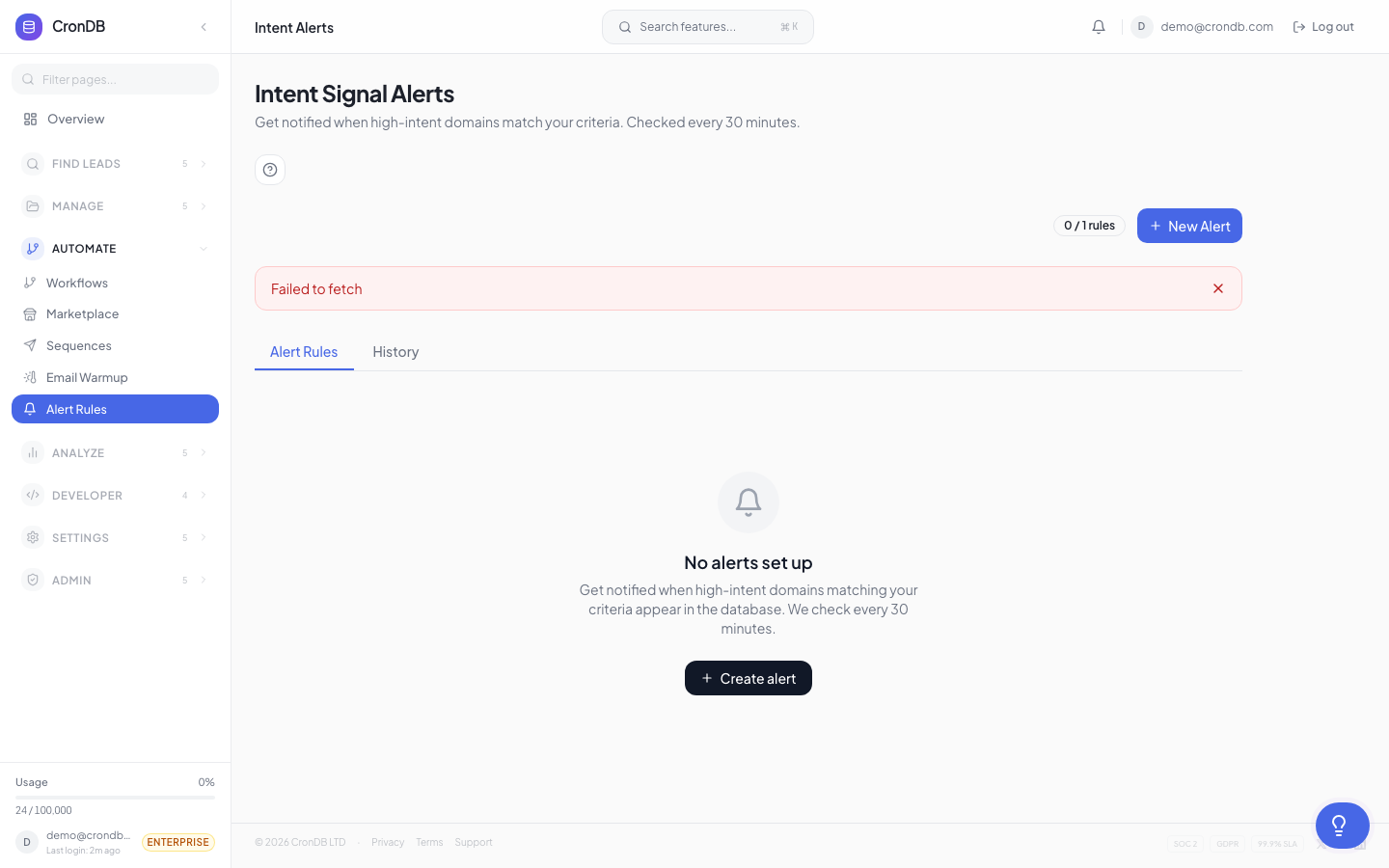
How Intent Alerts Work
- You create an alert rule with filter criteria
- CronDB continuously evaluates new domains against your rules
- When a match is found, you receive a notification
- Optionally, matched domains are saved to a lead list automatically
Creating an Alert Rule
- Navigate to Alerts & Notifications → Intent Alerts
- Click + New Alert
- Give it a name (e.g., "US SaaS with Stripe")
- Configure your filter criteria
- Choose delivery channels
- Click Save Alert
Filter Configuration
Build your alert rule using any combination of filters:
Basic Filters
| Filter | Operators | Example |
|---|---|---|
| Industry | is, is not, contains | Industry is "Technology" |
| Country | is, is not | Country is "US" |
| Business Type | is, is not | Business Type is "B2B SaaS" |
| Confidence | greater than | Confidence > 0.85 |
Tech Stack Filters
| Filter | Operators | Example |
|---|---|---|
| Uses technology | any of, all of | Uses any of: "Stripe", "Chargebee" |
| Does not use | any of | Does not use: "Competitor" |
| Tech category | has | Has: e-commerce platform |
| Tech count | greater than | More than 5 detected technologies |
Intent Signals
| Signal | Description |
|---|---|
| New e-commerce setup | Domain added an online store |
| Rapid tech adoption | 3+ new technologies in 30 days |
| Hiring signals | Job board or careers page detected |
| Funding signals | Investor or funding page detected |
| Expansion signals | Multi-language or multi-region pages |
Combining Filters
Filters use AND logic by default. Create OR groups for alternative conditions:
(Industry is "Technology" AND Country is "US" AND Uses "Stripe")
OR
(Industry is "E-commerce" AND Country is "GB" AND Uses "Shopify")
Delivery Channels
Choose how you receive alert notifications:
Email
- Instant — One email per match (best for low-volume, high-value alerts)
- Hourly digest — Summary of matches in the last hour
- Daily digest — Summary sent once per day at your chosen time
Webhook
Send match data to your backend for automated processing:
{
  "event": "alert.domain_matched",
  "alert_id": "alt_abc123",
  "alert_name": "US SaaS with Stripe",
  "domain": "newstartup.com",
  "industry": "Technology",
  "country": "US",
  "confidence": 0.91,
  "matched_at": "2026-03-18T10:30:00Z"
}
In-App
A notification badge appears in the dashboard header. Click it to see recent matches.
Save to List
Automatically add matched domains to a lead list:
- Enable Auto-save to list in the alert settings
- Choose an existing list or create a new one
- Every match is added to the list automatically
Testing Your Alert
Before activating, click Test to:
- See how many existing domains match your criteria
- Preview a sample of 10 matches
- Estimate daily match volume
This helps you refine your filters to avoid too many or too few matches.
Alert History
View past alerts in the History tab:
| Column | Description |
|---|---|
| Date | When the match occurred |
| Domain | The matched domain |
| Industry | AI-classified industry |
| Country | Registrant country |
| Score | Lead score (if scoring rules are active) |
| Actions | Add to list, view Domain 360, enroll in sequence |
Managing Alerts
- Edit — Change filters or delivery settings
- Pause — Stop evaluating without deleting the rule
- Resume — Reactivate a paused alert
- Delete — Remove the alert permanently
Alert Limits
| Plan | Max Alert Rules |
|---|---|
| Free | 1 |
| Starter | 5 |
| Pro | 25 |
| Enterprise | Unlimited |
Start with tight, specific filters. It is better to receive 5 highly relevant matches per day than 500 loosely relevant ones. You can always broaden the filters later.
Next Steps
- Webhooks — Send alert data to your systems
- Email Notifications — Configure digest settings
- Audiences — Use audiences as an alternative to alerts