Scoring Rules
Scoring rules let you automatically rank domains based on criteria that matter to your business. Each rule assigns points based on domain attributes, and the total score determines lead priority.
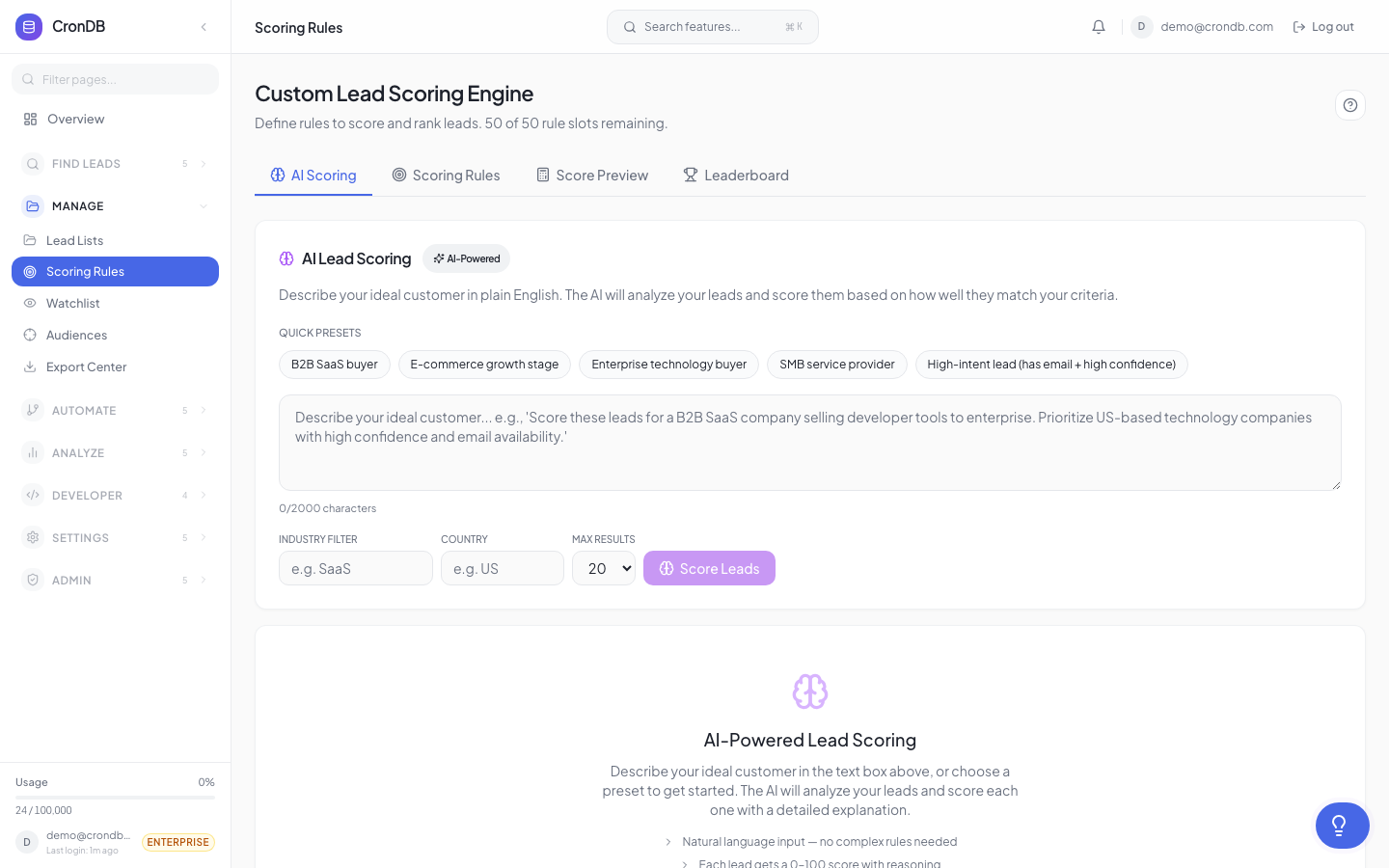
How Scoring Works
- You define rules — conditions that award or deduct points
- CronDB evaluates every domain against your rules
- Each domain gets a total score (sum of all matching rules)
- Domains are ranked from highest to lowest score
- Scores update automatically when domain data changes
Creating a Scoring Rule
- Navigate to Lead Management → Scoring Rules
- Click + New Scoring Rule
- Give it a name (e.g., "Ideal Customer Profile")
- Add conditions and point values
- Click Save Rule
Rule Configuration
Each rule consists of one or more conditions, each with a point value:
Industry Match
Award points when a domain matches your target industries:
| Condition | Points | Example |
|---|---|---|
| Industry is "Technology" | +25 | Target industry |
| Industry is "Healthcare" | +20 | Secondary target |
| Industry is "Adult Content" | -50 | Exclude |
Country Match
Prioritize domains from your target markets:
| Condition | Points | Example |
|---|---|---|
| Country is "US" | +15 | Primary market |
| Country is "GB" | +10 | Secondary market |
| Country is "EU" (any) | +5 | Tertiary market |
Tech Stack Match
Score higher for domains using technologies you sell to or integrate with:
| Condition | Points | Example |
|---|---|---|
| Uses "Shopify" | +30 | E-commerce target |
| Uses "WordPress" | +10 | Common CMS |
| Uses "Intercom" | +20 | Chat tool user |
| Uses competitor product | +25 | Displacement opportunity |
Business Type
| Condition | Points | Example |
|---|---|---|
| Business Type is "B2B SaaS" | +20 | Target type |
| Business Type is "Marketplace" | +15 | Secondary type |
Contact Data Availability
| Condition | Points | Example |
|---|---|---|
| Has email | +10 | Reachable |
| Has phone | +5 | Extra contact |
| Has LinkedIn | +5 | Social presence |
| No contact data | -20 | Hard to reach |
Confidence Score
| Condition | Points | Example |
|---|---|---|
| Confidence > 0.9 | +10 | High-quality data |
| Confidence < 0.5 | -15 | Unreliable data |
Weight Configuration
Each condition has a weight (point value) that can range from -100 to +100. Use negative weights to penalize unwanted attributes.
Example: SaaS Sales Scoring Model
Industry is "Technology"           → +25 points
Country is "US" or "GB"           → +15 points
Uses "Stripe" or "Chargebee"      → +30 points (payment = SaaS signal)
Business Type is "B2B SaaS"       → +20 points
Has email contact                 → +10 points
Confidence > 0.85                 → +10 points
Registered in last 90 days        → +5 points
No website detected               → -30 points
A domain matching all positive criteria would score 115 points — a top-tier lead.
Applying Scores to Lists
Scoring rules apply automatically to:
- All domains in the Domain Explorer search results
- All domains in your Lead Lists
- All domains in your Audiences
The score column appears in all tables and can be used for sorting and filtering.
Score Tiers
CronDB automatically categorizes scored domains into tiers:
| Tier | Score Range | Label | Color |
|---|---|---|---|
| Hot | 80+ | Hot Lead | Red |
| Warm | 50–79 | Warm Lead | Orange |
| Neutral | 20–49 | Neutral | Gray |
| Cold | Below 20 | Cold Lead | Blue |
These tiers appear as colored badges in the dashboard and can be used as filter criteria.
Multiple Scoring Rules
You can create multiple scoring rules for different use cases:
- ICP Score — How well a domain matches your ideal customer profile
- Intent Score — Based on tech adoption and buying signals
- Timing Score — Based on registration recency and activity
Each rule produces its own score column. You can view all scores side-by-side in the domain table.
Scoring Rule Limits
| Plan | Max Rules |
|---|---|
| Free | 1 |
| Starter | 5 |
| Pro | 25 |
| Enterprise | Unlimited |
Start with one comprehensive scoring rule based on your ideal customer profile. Refine the weights over time based on which scored leads actually convert.
Next Steps
- Lead Lists — Apply scores to your existing lists
- Audiences — Combine audiences with scoring for prioritized segments
- Scoring API — Apply scoring programmatically via the API