Reseller API Keys
Each reseller client needs their own API key to access the CronDB API. Keys are scoped to the client's quota and rate limits.
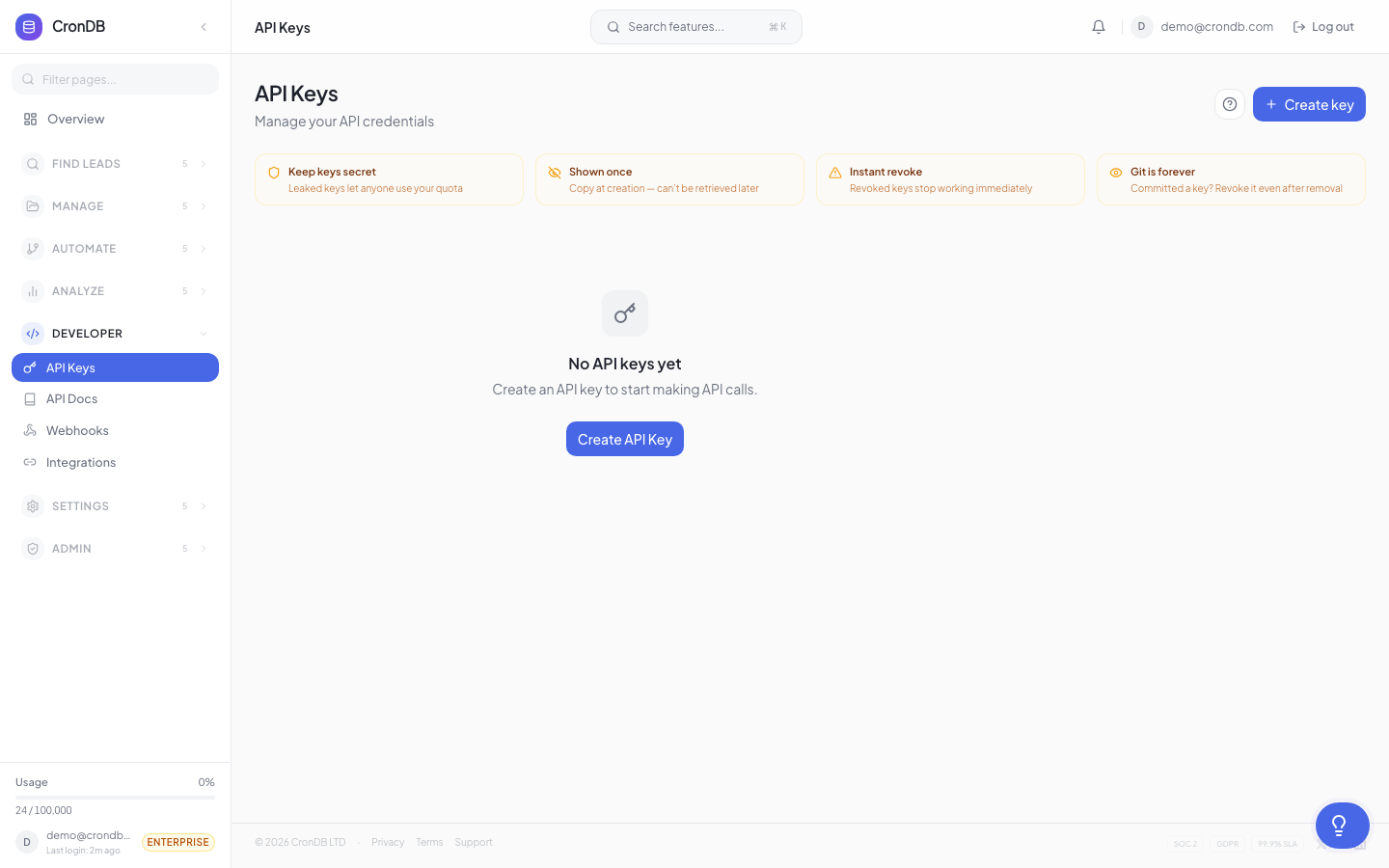
Generating a Client API Key
- Navigate to Reseller → Clients
- Click on a client name
- Go to the API Keys tab
- Click + Create API Key
- Enter a key name (e.g., "Production", "Development")
- Click Create
- Copy the key immediately — it is shown only once
Client API keys follow the format: cdb_r_[client_id]_[random]
API keys are displayed only once at creation. Store them securely. If a key is lost, create a new one and revoke the old one.
Key Properties
Each API key has:
| Property | Description |
|---|---|
| Name | Descriptive label you assign |
| Client | Which client this key belongs to |
| Created | When the key was generated |
| Last Used | Most recent API call with this key |
| Status | Active or Revoked |
| Queries Used | Total queries made with this key |
Multiple Keys per Client
Clients can have multiple API keys for different environments:
Client: Acme Corp
  Key 1: "Production" — cdb_r_acme_abc123
  Key 2: "Staging" — cdb_r_acme_def456
  Key 3: "Development" — cdb_r_acme_ghi789
All keys for a client share the same quota and rate limits. Individual key usage is tracked separately for analytics.
Key Management
Viewing Key Usage
Click any key to see its usage history:
- Daily query count
- Endpoint breakdown
- Error rates
- Last 100 requests (with timestamps and endpoints)
Revoking a Key
- Click the key you want to revoke
- Click Revoke Key
- Confirm the revocation
- The key immediately stops working
Revoked keys cannot be reactivated. If access is needed again, create a new key.
Rotating Keys
To rotate a client's key without downtime:
- Create a new key for the client
- Share the new key with the client
- Wait for the client to update their application
- Revoke the old key once the new key is in use
API Key Scoping
Client API keys are automatically scoped:
| Scope | Behavior |
|---|---|
| Quota | Queries count against the client's allocated quota |
| Rate limit | Requests are throttled per the client's rate limit setting |
| Endpoints | All CronDB API endpoints are accessible (same as Enterprise) |
| Data | Clients access the same global CronDB database |
Endpoint Restrictions
By default, clients have access to all API endpoints. To restrict a client to specific endpoints:
- Open the client's API Key settings
- Toggle Restrict Endpoints
- Select which endpoints the key can access:
- Enrichment
- Search
- Email Finder
- Tech Stack
- Bulk operations
Using Client Keys
Clients use their keys exactly like regular CronDB API keys:
curl -H "Authorization: Bearer cdb_r_client_key_here" \
  "https://api.crondb.com/v1/enrichment/domain?domain=example.com"
If you have configured a custom API domain:
curl -H "Authorization: Bearer cdb_r_client_key_here" \
  "https://api.yourbrand.com/v1/enrichment/domain?domain=example.com"
The response format is identical. There is no indication to the client that CronDB is the underlying provider.
Monitoring Client Keys
The Reseller dashboard shows aggregate key activity:
- Active keys — Total keys across all clients
- Queries today — Total queries from all client keys
- Top clients by usage — Which clients are using the most queries
- Error rate — Percentage of 4xx and 5xx responses across client keys
Next Steps
- Client Management — Manage client accounts
- Billing — Track costs per client
- API Authentication — How API key auth works