Reseller Billing
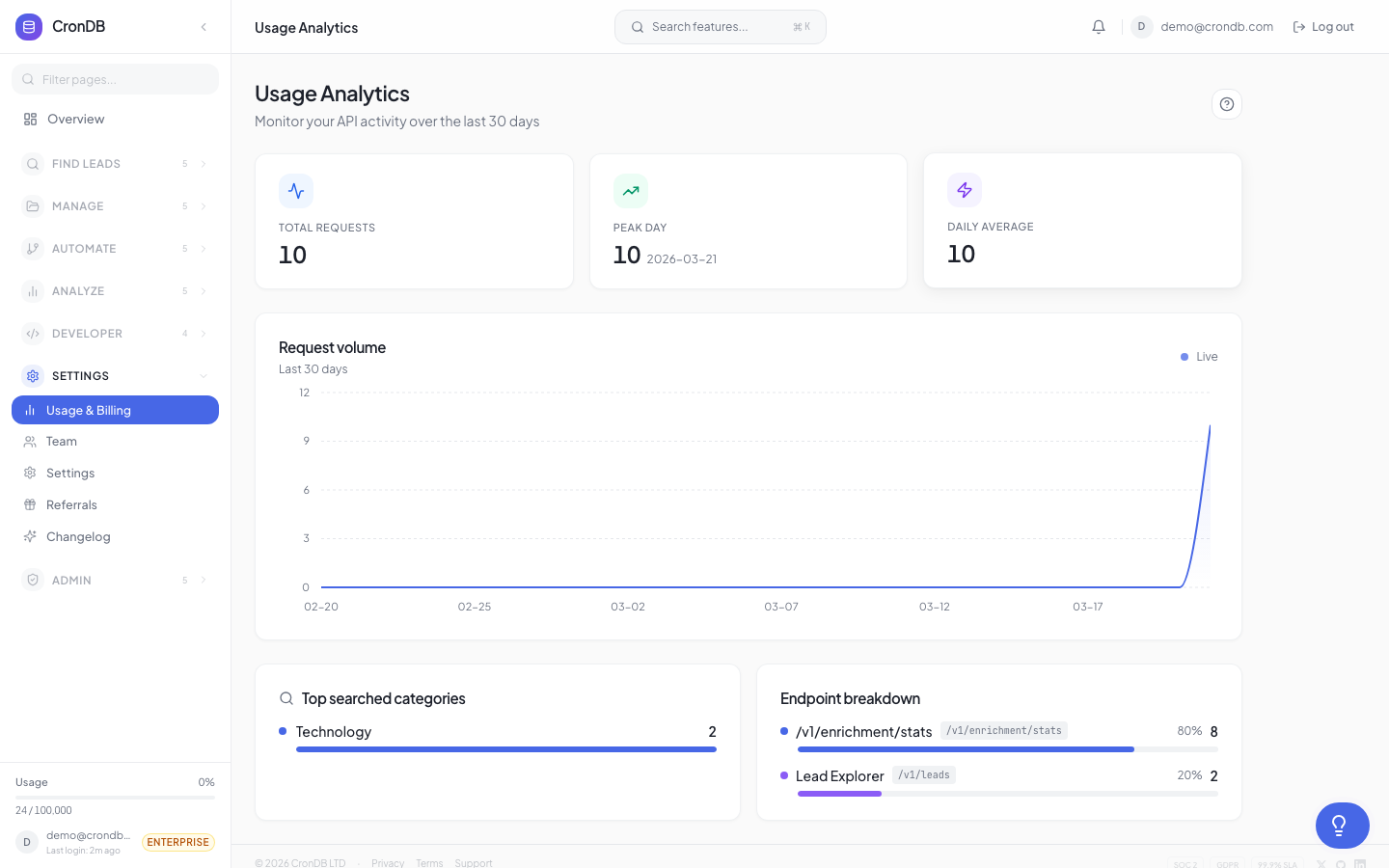
The Reseller Billing dashboard helps you track costs, monitor client usage, and manage the financial side of your reseller business.
Cost Structure
As a reseller on the Enterprise plan:
| Item | Cost |
|---|---|
| Enterprise plan | $499/month (or $399/month annual) |
| Included queries | 999,999/month |
| Overage rate | $0.002/query beyond the included quota |
Your Enterprise plan cost is fixed regardless of how many clients you have. The total queries used by all clients count against your shared quota.
Billing Dashboard
Navigate to Reseller → Billing to see:
Cost Overview
- Monthly plan cost — Your Enterprise subscription fee
- Overage charges — Any additional query costs this period
- Total cost — Plan + overage
- Effective per-query cost — Total cost divided by total queries used
Per-Client Usage
| Client | Quota | Used | % Used | Estimated Cost |
|---|---|---|---|---|
| Acme Corp | 200,000 | 145,000 | 72.5% | $72.50* |
| Beta Inc | 100,000 | 98,500 | 98.5% | $49.25* |
| Gamma LLC | 50,000 | 12,000 | 24.0% | $6.00* |
*Estimated cost is calculated by dividing your total monthly cost proportionally by usage.
Revenue Tracking
Track what you charge your clients alongside your CronDB costs:
- Go to Reseller → Billing → Revenue
- Enter what you charge each client per month
- The dashboard calculates:
| Metric | Value |
|---|---|
| Total client revenue | Sum of all client fees |
| CronDB cost | Your Enterprise plan + overage |
| Gross margin | Revenue minus cost |
| Margin % | Gross margin as a percentage |
Most resellers charge $0.01-0.05 per query, depending on the data included and their target market. At $0.02/query with an Enterprise plan, 500,000 queries would generate $10,000 in revenue against ~$499 in costs — a healthy margin.
Usage Reports
Monthly Report
Generate a monthly report for each client:
- Go to Reseller → Billing → Reports
- Select a client and month
- Click Generate Report
- Download as PDF or CSV
The report includes:
- Total queries consumed
- Daily usage breakdown
- Endpoint usage distribution
- Peak usage periods
Client-Ready Invoices
Create branded invoices for your clients:
- Go to Reseller → Billing → Invoices
- Click + Create Invoice
- Select the client
- Enter your pricing and line items
- Add your company branding
- Generate as PDF
Invoices generated through the Reseller dashboard use your company branding. CronDB is not mentioned anywhere on the invoice.
Overage Management
When your total usage across all clients approaches your Enterprise quota:
- At 80% — Dashboard warning and email notification
- At 95% — Urgent warning with upgrade recommendation
- At 100% — Overage billing begins at $0.002/query
Preventing Overages
- Set hard limits on client quotas
- Monitor the usage dashboard weekly
- Set up overage alerts for early warning
- Consider upgrading or requesting a custom quota from CronDB sales
Tax Handling
CronDB charges apply as follows:
- US customers — Sales tax may apply depending on your state
- EU customers — VAT is handled through Stripe Tax
- Other — No additional taxes
You are responsible for tax on revenue you collect from your own clients.
Next Steps
- Client Management — Configure client quotas
- API Keys — Manage client access
- Plans & Pricing — Enterprise plan details