Domain 360
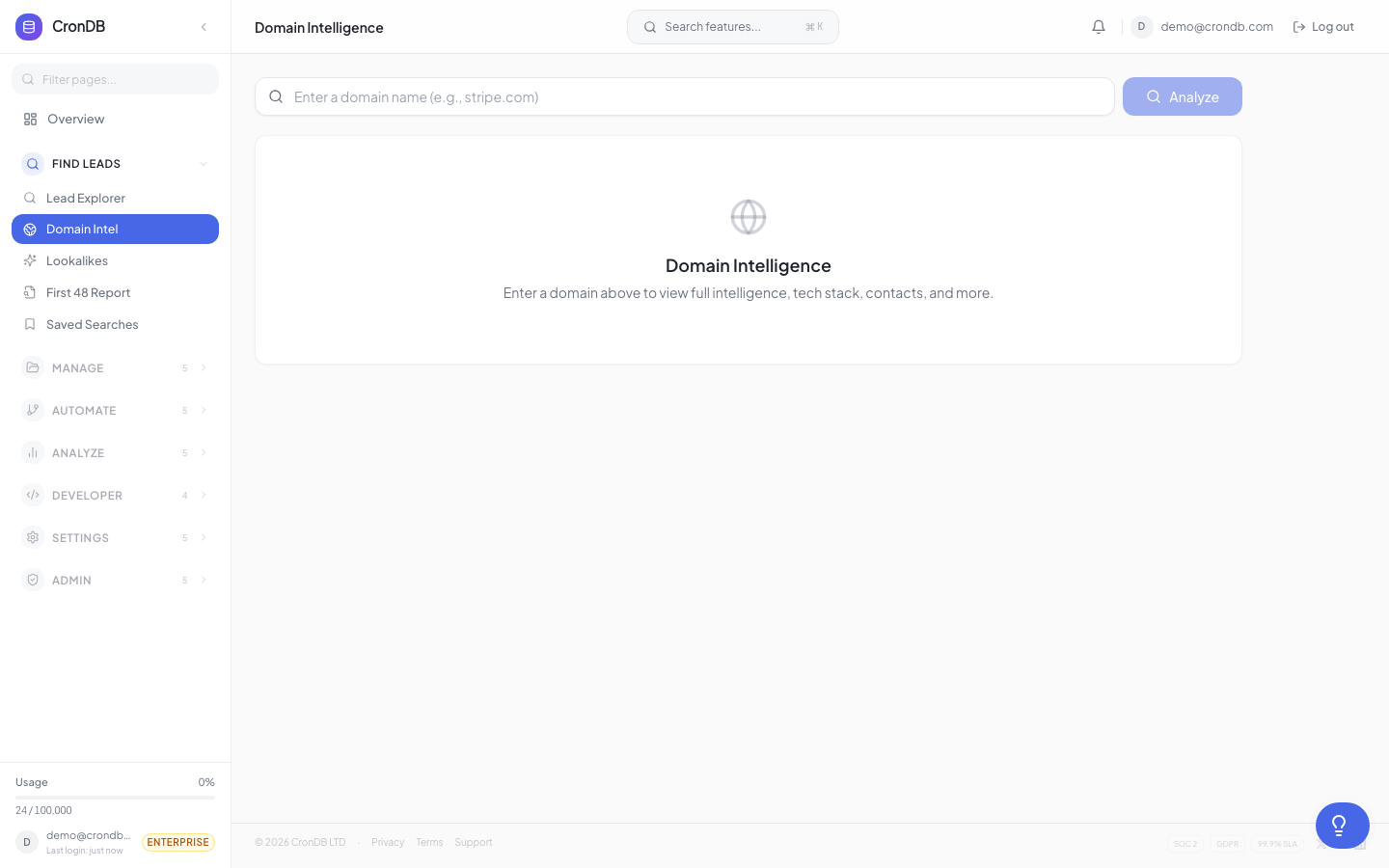
The Domain 360 view shows everything CronDB knows about a single domain on one page. It combines enrichment data, tech stack details, contact information, scoring, and a change timeline.
Accessing Domain 360
- From search results: Click any domain name in the Domain Explorer
- From a lead list: Click a domain row in any list
- From the watchlist: Click a watched domain
- Direct URL: Navigate to
app.crondb.com/dashboard/domain/example.com
Page Layout
The Domain 360 page is organized into sections:
Header
At the top you will see:
- Domain name and favicon
- Industry badge and confidence score
- Business type label (B2B, B2C, Marketplace, etc.)
- Action buttons: Add to List, Watch, Export, Open Website
AI Business Summary
A paragraph-length AI-generated description of what the domain does, its target market, and key products or services. This summary is generated from the domain's website content and is updated periodically.
Contact Information
| Field | Description |
|---|---|
| Emails | All discovered email addresses |
| Phone Numbers | Detected phone numbers |
| Social Links | LinkedIn, Twitter, Facebook, Instagram |
| Physical Address | If found on the website |
Each email includes a confidence indicator (verified, likely, unverified). Verified emails have passed MX and SMTP checks.
Tech Stack
A visual grid showing detected technologies organized by category:
- CMS — WordPress, Shopify, Wix, Squarespace, etc.
- Analytics — Google Analytics, Hotjar, Mixpanel, etc.
- Chat/Support — Intercom, Drift, Zendesk, LiveChat, etc.
- E-commerce — Shopify, WooCommerce, Stripe, PayPal, etc.
- Marketing — HubSpot, Mailchimp, Google Tag Manager, etc.
- Frameworks — React, Next.js, Vue, Angular, etc.
- CDN/Hosting — Cloudflare, AWS, Vercel, Netlify, etc.
Each technology shows its icon, name, and when it was first detected.
Scoring
If you have scoring rules configured, this section shows:
- Total score for each active scoring rule
- Score breakdown — which conditions matched and their point contributions
- Score tier — Hot, Warm, Neutral, or Cold
Registration Data
| Field | Description |
|---|---|
| Registered Date | When the domain was first registered |
| Registrant Country | Country of the registrant |
| Registrar | Where the domain was registered |
| Name Servers | DNS name servers |
| SSL Certificate | Issuer, expiration date |
Change Timeline
A chronological feed of all detected changes:
- Tech stack additions and removals
- New contact information
- Website status changes
- Industry reclassifications
- SSL certificate updates
Each entry shows the date, what changed, and the old and new values.
Actions
From the Domain 360 page you can:
| Action | Description |
|---|---|
| Add to List | Add this domain to one or more lead lists |
| Watch | Add to your watchlist for change monitoring |
| Export | Download this domain's data as JSON |
| Start Sequence | Enroll this domain in an outreach sequence |
| Find More Like This | Search for similar domains based on industry and tech stack |
| Open Website | Opens the domain's website in a new tab |
Refreshing Data
Domain data is automatically refreshed on a schedule based on your plan. You can also force a refresh:
- Click the Refresh button in the header
- CronDB will re-crawl and re-enrich the domain
- New data typically appears within a few minutes
Manual refreshes count against your monthly API quota. Each refresh consumes 1 API query.
Next Steps
- Lead Lists — Organize domains after reviewing them
- Scoring Rules — Understand how scores are calculated
- Enrichment API — Access the same data via the API