Lead Lists
Create and manage lists of domains for organizing your sales pipeline. Track domains through funnel stages (discovered → contacted → qualified → converted) and import/export via CSV.
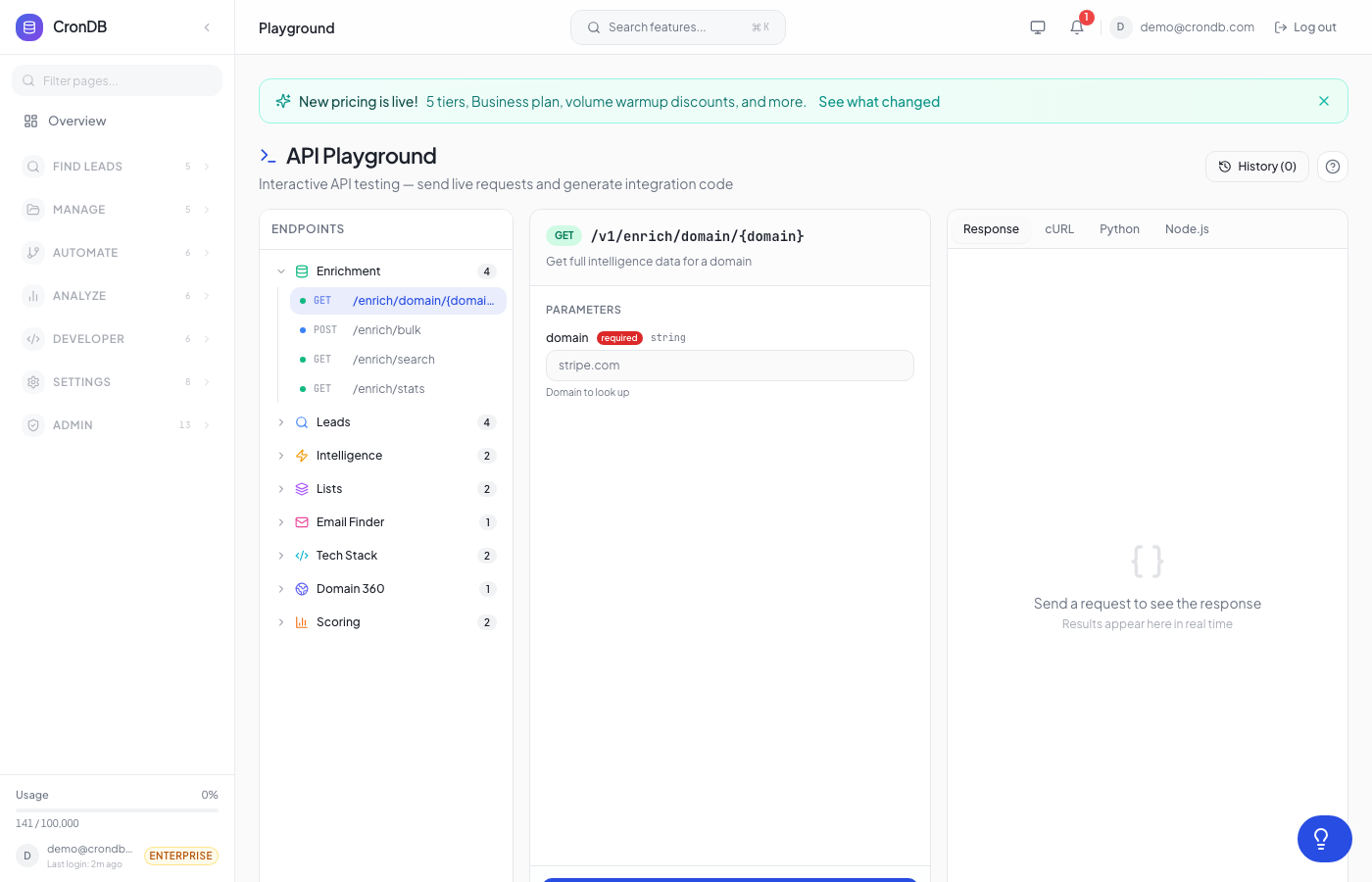
Try this endpoint live in the API Playground.
Endpoints
| Method | Endpoint | Description |
|---|---|---|
| GET | /v1/lists | List all your lead lists |
| POST | /v1/lists | Create a new list |
| GET | /v1/lists/{id} | Get list with items |
| GET | /v1/lists/{id}/enriched | Get list items with full domain data |
| PUT | /v1/lists/{id} | Update list name/description |
| DELETE | /v1/lists/{id} | Delete a list |
| POST | /v1/lists/{id}/items | Add domains to a list |
| DELETE | /v1/lists/{id}/items/{domain} | Remove a domain |
| PUT | /v1/lists/{id}/items/{domain}/status | Update funnel status |
| POST | /v1/lists/{id}/bulk-status | Bulk update statuses |
| GET | /v1/lists/{id}/funnel | Get funnel analytics |
| POST | /v1/lists/import-csv | Import domains from CSV |
Limits
- Maximum 50 lists per account
- Maximum 1,000 items per list
List All Lists
GET /v1/lists
curl -H "Authorization: Bearer cdb_your_api_key_here" \
  "https://api.crondb.com/v1/lists"
Response
{
  "data": [
    {
      "id": 1,
      "name": "Q1 SaaS Prospects",
      "description": "SaaS companies registered in January",
      "leads_count": 45,
      "created_at": "2026-03-01T10:00:00Z",
      "updated_at": "2026-03-20T15:00:00Z"
    }
  ],
  "count": 3
}
Create List
POST /v1/lists
| Parameter | Type | Required | Description |
|---|---|---|---|
name | string | Yes | List name (1–200 chars) |
description | string | No | Description (max 1,000 chars) |
import requests

response = requests.post(
    "https://api.crondb.com/v1/lists",
    headers={"Authorization": "Bearer cdb_your_api_key_here"},
    json={"name": "Hot Leads", "description": "High-intent domains from this week"},
)
new_list = response.json()
Add Domains to List
POST /v1/lists/{list_id}/items
| Parameter | Type | Required | Description |
|---|---|---|---|
items | array | Yes | Array of {domain, notes} objects |
Duplicates are automatically skipped.
curl -X POST \
  -H "Authorization: Bearer cdb_your_api_key_here" \
  -H "Content-Type: application/json" \
  -d '{
    "items": [
      {"domain": "example.com", "notes": "From intent feed"},
      {"domain": "startup.io", "notes": "High confidence"}
    ]
  }' \
  "https://api.crondb.com/v1/lists/1/items"
Response (201)
{
  "added": 2,
  "leads_count": 47
}
Get Enriched List
GET /v1/lists/{list_id}/enriched
Returns list items enriched with full domain intelligence data from PostgreSQL (industry, tech stack, contacts, confidence).
{
  "id": 1,
  "name": "Q1 SaaS Prospects",
  "items": [
    {
      "id": 10,
      "domain": "example.com",
      "notes": "From intent feed",
      "status": "contacted",
      "added_at": "2026-03-15T10:00:00Z",
      "lead": {
        "domain": "example.com",
        "industry": "Technology",
        "business_type": "B2B SaaS",
        "confidence": 0.92,
        "website_email": "hello@example.com",
        "registrant_country": "US"
      }
    }
  ]
}
Update Funnel Status
PUT /v1/lists/{list_id}/items/{domain}/status
Track domains through your sales funnel.
| Status | Description |
|---|---|
discovered | Initial state — just added to list |
contacted | Outreach sent |
qualified | Lead confirmed as a good fit |
converted | Deal closed or goal achieved |
curl -X PUT \
  -H "Authorization: Bearer cdb_your_api_key_here" \
  -H "Content-Type: application/json" \
  -d '{"status": "contacted"}' \
  "https://api.crondb.com/v1/lists/1/items/example.com/status"
Funnel Analytics
GET /v1/lists/{list_id}/funnel
Get funnel stage counts, conversion rates, and average time in each stage.
Response
{
  "total": 45,
  "stages": [
    {"stage": "discovered", "count": 20, "percentage": 44.4},
    {"stage": "contacted", "count": 15, "percentage": 33.3},
    {"stage": "qualified", "count": 7, "percentage": 15.6},
    {"stage": "converted", "count": 3, "percentage": 6.7}
  ],
  "conversions": [
    {"from": "discovered", "to": "contacted", "rate": 75.0},
    {"from": "contacted", "to": "qualified", "rate": 46.7},
    {"from": "qualified", "to": "converted", "rate": 42.9}
  ],
  "avg_days_in_stage": {
    "discovered": 3.2,
    "contacted": 5.1,
    "qualified": 8.4,
    "converted": 2.0
  },
  "conversion_goal": 15.0
}
Import CSV
POST /v1/lists/import-csv
Import domains from a CSV file. The file should have a domain column (or the first column is used).
Parameters (multipart form)
| Parameter | Type | Required | Description |
|---|---|---|---|
file | file | Yes | CSV/TSV file (max 5MB) |
list_id | integer | No | Add to existing list |
list_name | string | No | Create new list with this name |
curl -X POST \
  -H "Authorization: Bearer cdb_your_api_key_here" \
  -F "file=@leads.csv" \
  -F "list_name=Imported Leads" \
  "https://api.crondb.com/v1/lists/import-csv"
import requests

with open("leads.csv", "rb") as f:
    response = requests.post(
        "https://api.crondb.com/v1/lists/import-csv",
        headers={"Authorization": "Bearer cdb_your_api_key_here"},
        files={"file": f},
        data={"list_name": "Imported Leads"},
    )

result = response.json()
print(f"Added {result['domains_added']}, skipped {result['domains_skipped']}")
Response (201)
{
  "list_id": 5,
  "list_name": "Imported Leads",
  "domains_added": 87,
  "domains_skipped": 13,
  "total_in_file": 100
}
Funnel Analytics
Each domain in a lead list carries a status (one of discovered, contacted, qualified, converted). The funnel endpoint rolls those up into stage counts, conversion rates between adjacent stages, and average days-in-stage.
Endpoint
GET /v1/lists/{list_id}/funnel
Example Request
curl -X GET \
  -H "Authorization: Bearer cdb_your_api_key_here" \
  "https://api.crondb.com/v1/lists/5/funnel"
Response
{
  "total": 142,
  "stages": [
    { "stage": "discovered", "count": 88, "percentage": 62.0 },
    { "stage": "contacted",  "count": 32, "percentage": 22.5 },
    { "stage": "qualified",  "count": 14, "percentage": 9.9 },
    { "stage": "converted",  "count": 8,  "percentage": 5.6 }
  ],
  "conversions": [
    { "from": "discovered", "to": "contacted",  "rate": 36.4 },
    { "from": "contacted",  "to": "qualified",  "rate": 43.8 },
    { "from": "qualified",  "to": "converted",  "rate": 57.1 }
  ],
  "avg_days_in_stage": {
    "discovered": 18.2,
    "contacted":  4.1,
    "qualified":  6.8,
    "converted":  21.4
  },
  "conversion_goal": null
}
Response Fields
| Field | Description |
|---|---|
total | All items in the list, regardless of stage. |
stages[] | Stage-level rollup. percentage is the share of total. |
conversions[] | Adjacent-stage conversion rates. rate = to.count / from.count × 100. Use this to find the leakiest stage in your funnel. |
avg_days_in_stage | Average days an item has been in its current stage (using status_changed_at, falling back to added_at). High values for non-terminal stages flag stalled deals. |
conversion_goal | Optional list-level target conversion rate, if set on the list. |
Update an item's stage
Use the standard list-item PATCH endpoint to advance an item:
curl -X PATCH \
  -H "Authorization: Bearer cdb_your_api_key_here" \
  -H "Content-Type: application/json" \
  -d '{"status": "contacted"}' \
  "https://api.crondb.com/v1/lists/5/items/{item_id}"
Status updates stamp status_changed_at automatically — that timestamp drives the days-in-stage calculation.
CSV export
GET /v1/lists/{list_id}/funnel/export
Returns text/csv with columns: Domain, Status, Notes, Added At, Status Changed At. Useful for piping to spreadsheets or BI tools.
Notes
- URLs in CSV are automatically cleaned (protocol/path stripped)
- Invalid domain formats are skipped
- Duplicate domains (already in list) are skipped
- Supported column names:
domain,domains,website,url,site - Funnel stages are fixed:
discovered → contacted → qualified → converted. They cannot be customized per list (yet). - For cross-list funnel rollups, see Intelligence → Funnel Trends.
Next Steps
- Bulk Operations — Bulk delete, archive, and export
- Audiences — Auto-surface matching domains
- Scoring — Score domains in your lists
- Intelligence — Cross-list funnel trends and time series.