Send Accounts
Connect and manage email accounts used for outreach sequences and warmup campaigns. Monitor deliverability health including DNS authentication, blacklist status, and sender reputation.
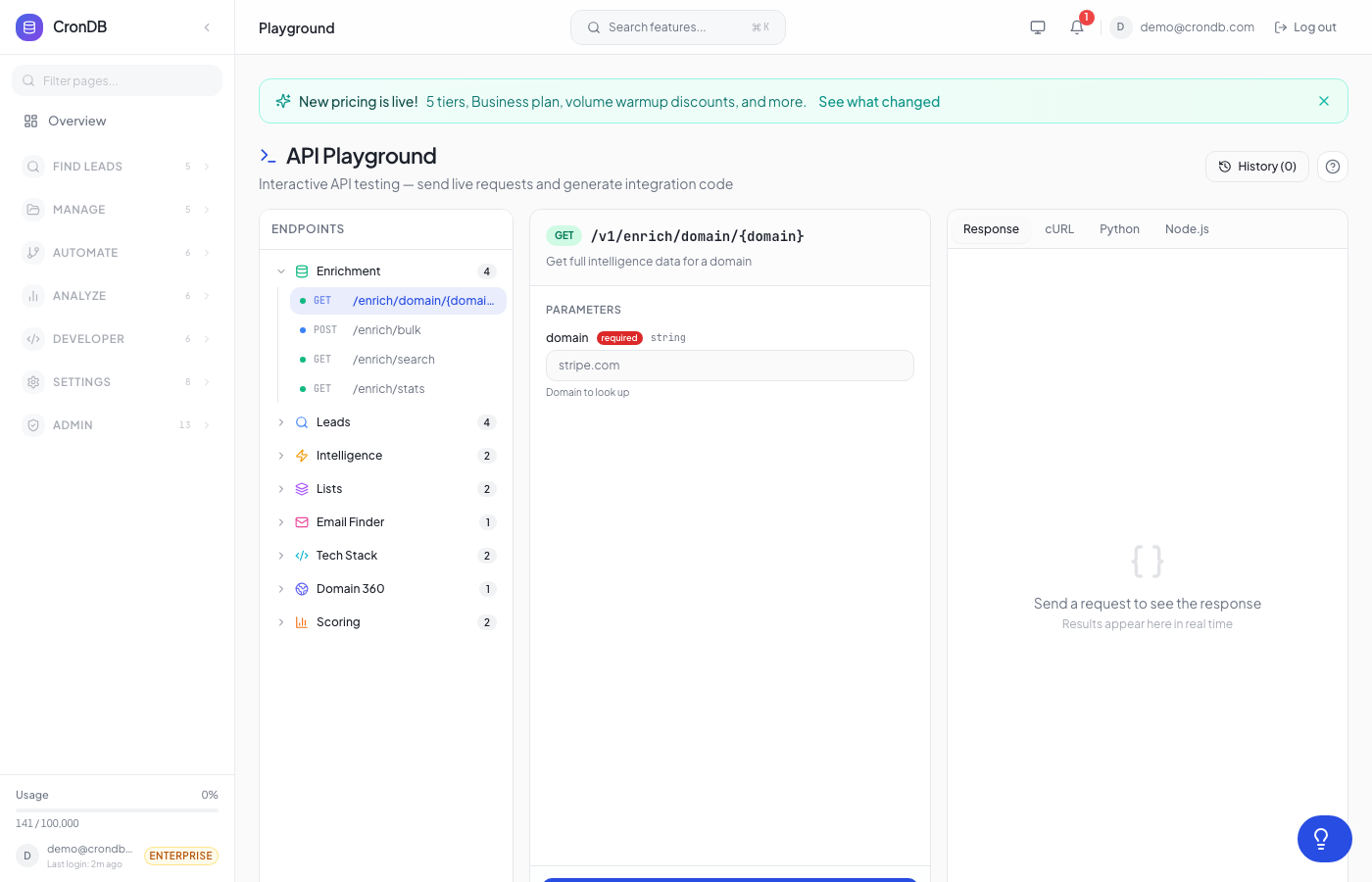
Try this endpoint live in the API Playground.
List Send Accounts
Retrieve all connected email accounts with their current status.
Endpoint
GET /v1/send-accounts
Headers
| Header | Value |
|---|---|
| Authorization | Bearer cdb_your_api_key |
Query Parameters
| Parameter | Type | Required | Description |
|---|---|---|---|
status | string | No | Filter by status: active, paused, error, warming |
provider | string | No | Filter by provider: gmail, outlook, smtp |
page | integer | No | Page number (default: 1) |
per_page | integer | No | Results per page (default: 25, max: 100) |
Example Request
curl -X GET \
  -H "Authorization: Bearer cdb_your_api_key_here" \
  "https://api.crondb.com/v1/send-accounts?status=active"
Python
import requests

response = requests.get(
    "https://api.crondb.com/v1/send-accounts",
    headers={"Authorization": "Bearer cdb_your_api_key_here"},
    params={"status": "active"},
)

data = response.json()
for account in data["accounts"]:
    print(f"{account['email']} — {account['status']} ({account['provider']})")
Node.js
const response = await fetch(
  "https://api.crondb.com/v1/send-accounts?status=active",
  { headers: { Authorization: "Bearer cdb_your_api_key_here" } }
);

const data = await response.json();
data.accounts.forEach((a) => console.log(`${a.email} — ${a.status}`));
Response
{
  "accounts": [
    {
      "id": "sa_abc123",
      "email": "sales@yourcompany.com",
      "provider": "gmail",
      "status": "active",
      "warmup_enabled": true,
      "warmup_progress_pct": 68,
      "daily_send_limit": 50,
      "emails_sent_today": 12,
      "connected_at": "2026-02-10T08:30:00Z",
      "last_activity_at": "2026-03-22T14:15:00Z"
    },
    {
      "id": "sa_def456",
      "email": "outreach@yourcompany.com",
      "provider": "smtp",
      "status": "warming",
      "warmup_enabled": true,
      "warmup_progress_pct": 35,
      "daily_send_limit": 30,
      "emails_sent_today": 8,
      "connected_at": "2026-03-01T12:00:00Z",
      "last_activity_at": "2026-03-22T13:45:00Z"
    }
  ],
  "total": 2,
  "page": 1,
  "per_page": 25
}
Response Fields
| Field | Type | Description |
|---|---|---|
accounts | array | Array of send account objects |
accounts[].id | string | Unique account identifier |
accounts[].email | string | Email address |
accounts[].provider | string | Email provider (gmail, outlook, smtp) |
accounts[].status | string | Account status: active, paused, error, warming |
accounts[].warmup_enabled | boolean | Whether smart warmup is enabled |
accounts[].warmup_progress_pct | number | Warmup completion percentage |
accounts[].daily_send_limit | integer | Current daily sending limit |
accounts[].emails_sent_today | integer | Emails sent in the current day |
total | integer | Total number of accounts |
Connect Send Account
Connect a new email account via SMTP/IMAP credentials for use in outreach and warmup.
Endpoint
POST /v1/send-accounts
Headers
| Header | Value |
|---|---|
| Authorization | Bearer cdb_your_api_key |
| Content-Type | application/json |
Body Parameters
| Parameter | Type | Required | Description |
|---|---|---|---|
email | string | Yes | Email address to connect |
display_name | string | No | Sender display name |
smtp_host | string | Yes | SMTP server hostname |
smtp_port | integer | Yes | SMTP server port (typically 587 or 465) |
smtp_username | string | Yes | SMTP authentication username |
smtp_password | string | Yes | SMTP authentication password or app password |
smtp_encryption | string | No | Encryption type: tls (default), ssl, none |
imap_host | string | Yes | IMAP server hostname |
imap_port | integer | Yes | IMAP server port (typically 993) |
imap_username | string | No | IMAP username (defaults to smtp_username) |
imap_password | string | No | IMAP password (defaults to smtp_password) |
enable_warmup | boolean | No | Start smart warmup immediately (default: false) |
daily_send_limit | integer | No | Max emails per day (default: 50) |
Example Request
curl -X POST \
  -H "Authorization: Bearer cdb_your_api_key_here" \
  -H "Content-Type: application/json" \
  -d '{
    "email": "outreach@yourcompany.com",
    "display_name": "Alex from YourCompany",
    "smtp_host": "smtp.gmail.com",
    "smtp_port": 587,
    "smtp_username": "outreach@yourcompany.com",
    "smtp_password": "your_app_password",
    "smtp_encryption": "tls",
    "imap_host": "imap.gmail.com",
    "imap_port": 993,
    "enable_warmup": true,
    "daily_send_limit": 30
  }' \
  "https://api.crondb.com/v1/send-accounts"
Python
import requests

response = requests.post(
    "https://api.crondb.com/v1/send-accounts",
    headers={"Authorization": "Bearer cdb_your_api_key_here"},
    json={
        "email": "outreach@yourcompany.com",
        "display_name": "Alex from YourCompany",
        "smtp_host": "smtp.gmail.com",
        "smtp_port": 587,
        "smtp_username": "outreach@yourcompany.com",
        "smtp_password": "your_app_password",
        "imap_host": "imap.gmail.com",
        "imap_port": 993,
        "enable_warmup": True,
    },
)

data = response.json()
print(f"Connected: {data['id']} — {data['status']}")
Response
{
  "id": "sa_ghi789",
  "email": "outreach@yourcompany.com",
  "display_name": "Alex from YourCompany",
  "provider": "gmail",
  "status": "active",
  "warmup_enabled": true,
  "warmup_progress_pct": 0,
  "daily_send_limit": 30,
  "smtp_verified": true,
  "imap_verified": true,
  "connected_at": "2026-03-22T15:00:00Z",
  "message": "Account connected successfully. Smart warmup will begin within the hour."
}
Error Responses
| Status | Description |
|---|---|
| 400 | Invalid SMTP/IMAP configuration or missing required fields |
| 401 | Invalid or missing API key |
| 409 | Email address already connected |
| 422 | SMTP or IMAP connection test failed |
Get Deliverability Report
Get a detailed deliverability health report for a specific send account, including DNS authentication status, blacklist checks, and sender reputation.
Endpoint
GET /v1/send-accounts/{id}/warmup/deliverability
Headers
| Header | Value |
|---|---|
| Authorization | Bearer cdb_your_api_key |
Path Parameters
| Parameter | Type | Required | Description |
|---|---|---|---|
id | string | Yes | Send account ID |
Example Request
curl -X GET \
  -H "Authorization: Bearer cdb_your_api_key_here" \
  "https://api.crondb.com/v1/send-accounts/sa_abc123/warmup/deliverability"
Python
import requests

account_id = "sa_abc123"
response = requests.get(
    f"https://api.crondb.com/v1/send-accounts/{account_id}/warmup/deliverability",
    headers={"Authorization": "Bearer cdb_your_api_key_here"},
)

data = response.json()
print(f"Overall score: {data['overall_score']}/100")
for check in data["dns_authentication"]:
    status = "PASS" if check["passed"] else "FAIL"
    print(f"  {check['type']}: {status}")
Response
{
  "account_id": "sa_abc123",
  "email": "sales@yourcompany.com",
  "overall_score": 92,
  "checked_at": "2026-03-22T14:00:00Z",
  "dns_authentication": [
    {
      "type": "SPF",
      "passed": true,
      "record": "v=spf1 include:_spf.google.com ~all",
      "details": "Valid SPF record found"
    },
    {
      "type": "DKIM",
      "passed": true,
      "selector": "google",
      "details": "DKIM signature verified"
    },
    {
      "type": "DMARC",
      "passed": true,
      "policy": "quarantine",
      "record": "v=DMARC1; p=quarantine; rua=mailto:dmarc@yourcompany.com",
      "details": "DMARC policy set to quarantine"
    }
  ],
  "blacklist_check": {
    "listed": false,
    "checked_lists": 12,
    "clean_lists": 12,
    "flagged_lists": []
  },
  "reputation": {
    "sender_score": 88,
    "inbox_placement_rate": 96.2,
    "spam_complaint_rate": 0.02,
    "bounce_rate": 0.5,
    "domain_age_days": 450
  },
  "recommendations": [
    "Consider upgrading DMARC policy from 'quarantine' to 'reject' for stronger protection",
    "Sender score is healthy — maintain current sending patterns"
  ]
}
Response Fields
| Field | Type | Description |
|---|---|---|
overall_score | integer | Deliverability health score (0-100) |
checked_at | string | When the report was last generated |
dns_authentication | array | SPF, DKIM, and DMARC check results |
dns_authentication[].type | string | Authentication type: SPF, DKIM, DMARC |
dns_authentication[].passed | boolean | Whether the check passed |
blacklist_check | object | Results of blacklist monitoring |
blacklist_check.listed | boolean | Whether the domain appears on any blacklist |
blacklist_check.flagged_lists | array | Names of blacklists where the domain is listed |
reputation | object | Sender reputation metrics |
reputation.sender_score | integer | Sender score (0-100) |
recommendations | array | Actionable suggestions to improve deliverability |
Reputation History
Daily reputation snapshots for a send account. Powers the warmup-dashboard trajectory chart and lets you spot deliverability drift before it shows up as bounce-rate spikes. The maintenance worker writes one row per (account, date) pair every 24 hours.
Endpoint
GET /v1/send-accounts/{id}/warmup/reputation-history
Headers
| Header | Value |
|---|---|
| Authorization | Bearer cdb_your_api_key |
Path Parameters
| Parameter | Type | Required | Description |
|---|---|---|---|
id | integer | Yes | Send account ID. |
Query Parameters
| Parameter | Type | Required | Description |
|---|---|---|---|
days | integer | No | Lookback window. 7–180, default 30. |
Example Request
curl -X GET \
  -H "Authorization: Bearer cdb_your_api_key_here" \
  "https://api.crondb.com/v1/send-accounts/12/warmup/reputation-history?days=30"
Python
import requests

response = requests.get(
    "https://api.crondb.com/v1/send-accounts/12/warmup/reputation-history",
    headers={"Authorization": "Bearer cdb_your_api_key_here"},
    params={"days": 30},
)

data = response.json()
for point in data["points"]:
    print(f"{point['date']}: score={point['reputation_score']}, "
          f"bounce={point['bounce_rate']}%")
Response
{
  "account_id": 12,
  "days": 30,
  "points": [
    {
      "date": "2026-04-06",
      "reputation_score": 87,
      "bounce_rate": 0.6,
      "complaint_rate": 0.01,
      "total_sent": 142
    },
    {
      "date": "2026-04-07",
      "reputation_score": 88,
      "bounce_rate": 0.4,
      "complaint_rate": 0.0,
      "total_sent": 156
    }
  ]
}
Response Fields
| Field | Type | Description |
|---|---|---|
account_id | integer | The send account being queried. |
days | integer | Echoes the lookback window applied. |
points | array | One entry per day where activity was logged. Days with zero sends are not included. |
points[].date | string | ISO-8601 date (UTC). |
points[].reputation_score | integer | 0–100 reputation score on that day. |
points[].bounce_rate | number|null | Percentage. null when no sends occurred. |
points[].complaint_rate | number|null | Percentage of recipients marking the message as spam. |
points[].total_sent | integer | Send volume on that day. |
The series is ordered by date ascending so the response is chart-ready without further processing.
Notes
- Send account endpoints require the Starter plan or higher
- SMTP/IMAP credentials are encrypted at rest and never returned in API responses
- Deliverability reports are cached for 1 hour; repeated requests within that window return cached results
- Blacklist checks scan 12+ major blacklist providers
- For Gmail accounts, use an App Password rather than your account password
- Reputation history is populated by the workflow maintenance worker (runs hourly). New send accounts will see their first data point appear within ~24 hours of first use.
Next Steps
- Smart Warmup — Monitor warmup analytics and pool health
- Sequences — Create outreach sequences with warmed accounts
- Usage & Rate Limits — Monitor your API consumption