Usage & Rate Limits
Track your API consumption, monitor quota usage, and review recent API activity.
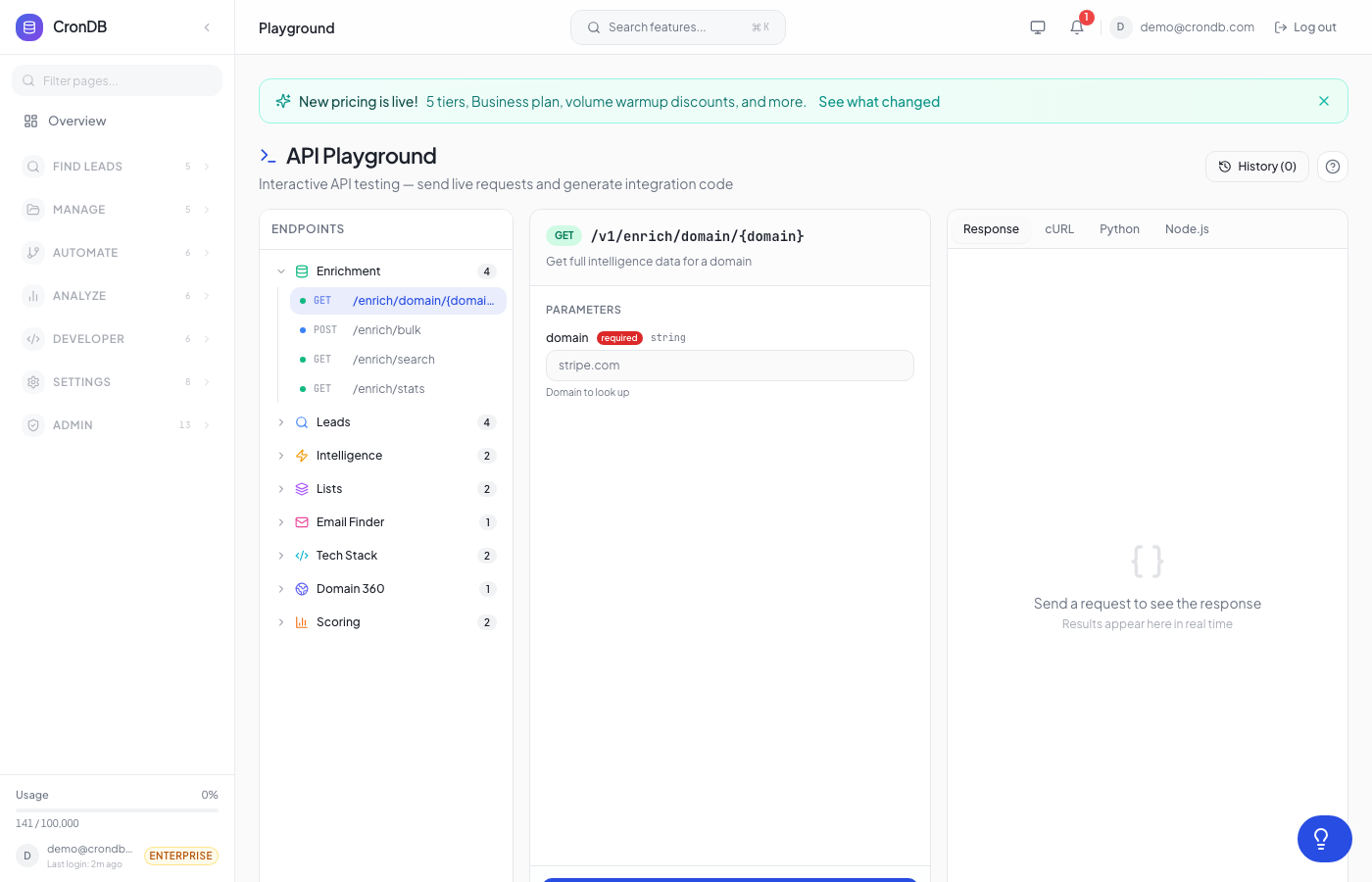
tip
Try this endpoint live in the API Playground.
Get Usage Stats
Retrieve daily usage statistics for the last 30 days, including endpoint breakdowns and top categories.
Endpoint
GET /v1/usage/stats
Headers
| Header | Value |
|---|---|
| Authorization | Bearer cdb_your_api_key |
Query Parameters
| Parameter | Type | Required | Description |
|---|---|---|---|
days | integer | No | Number of days to look back (default: 30, max: 90) |
Example Request
curl -X GET \
  -H "Authorization: Bearer cdb_your_api_key_here" \
  "https://api.crondb.com/v1/usage/stats?days=30"
Python
import requests

response = requests.get(
    "https://api.crondb.com/v1/usage/stats",
    headers={"Authorization": "Bearer cdb_your_api_key_here"},
    params={"days": 30},
)

data = response.json()
print(f"Total queries: {data['total_queries']}")
for day in data["daily_breakdown"]:
    print(f"  {day['date']}: {day['queries']} queries")
Node.js
const response = await fetch("https://api.crondb.com/v1/usage/stats?days=30", {
  headers: { Authorization: "Bearer cdb_your_api_key_here" },
});

const data = await response.json();
console.log(`Total queries: ${data.total_queries}`);
data.daily_breakdown.forEach((d) => console.log(`  ${d.date}: ${d.queries}`));
Response
{
  "total_queries": 4520,
  "period_start": "2026-02-20",
  "period_end": "2026-03-22",
  "daily_breakdown": [
    {
      "date": "2026-03-22",
      "queries": 185
    },
    {
      "date": "2026-03-21",
      "queries": 210
    }
  ],
  "endpoint_breakdown": {
    "/v1/search/domains": 2100,
    "/v1/enrichment/domain": 1450,
    "/v1/email-finder": 620,
    "/v1/scoring": 350
  },
  "top_categories": [
    { "category": "Search", "count": 2100 },
    { "category": "Enrichment", "count": 1450 },
    { "category": "Email Finder", "count": 620 }
  ]
}
Response Fields
| Field | Type | Description |
|---|---|---|
total_queries | integer | Total API queries in the period |
period_start | string | Start date of the reporting period |
period_end | string | End date of the reporting period |
daily_breakdown | array | Per-day query counts |
endpoint_breakdown | object | Query counts grouped by endpoint |
top_categories | array | Most-used API categories |
Get Rate Limits
Check your current plan's rate limits, quota usage, and hourly request history for the last 24 hours.
Endpoint
GET /v1/usage/rate-limits
Headers
| Header | Value |
|---|---|
| Authorization | Bearer cdb_your_api_key |
Example Request
curl -X GET \
  -H "Authorization: Bearer cdb_your_api_key_here" \
  "https://api.crondb.com/v1/usage/rate-limits"
Response
{
  "plan": "Pro",
  "rate_limit": {
    "requests_per_minute": 120,
    "requests_per_day": 50000
  },
  "current_usage": {
    "minute_requests": 12,
    "daily_requests": 3450,
    "monthly_queries_used": 28500,
    "monthly_queries_limit": 50000,
    "reset_date": "2026-04-01"
  },
  "hourly_history": [
    { "hour": "2026-03-22T14:00:00Z", "requests": 245 },
    { "hour": "2026-03-22T13:00:00Z", "requests": 198 }
  ],
  "top_endpoints": [
    { "endpoint": "/v1/search/domains", "requests": 1200 },
    { "endpoint": "/v1/enrichment/domain", "requests": 890 },
    { "endpoint": "/v1/email-finder", "requests": 340 }
  ]
}
Response Fields
| Field | Type | Description |
|---|---|---|
plan | string | Your current subscription plan |
rate_limit | object | Per-minute and per-day request caps |
current_usage | object | Current quota consumption and reset date |
hourly_history | array | Request counts per hour (last 24 hours) |
top_endpoints | array | Most-used endpoints in the current period |
Get Recent Activity
Retrieve the last 10 API requests made with your key, including filter summaries for each call.
Endpoint
GET /v1/usage/recent-activity
Headers
| Header | Value |
|---|---|
| Authorization | Bearer cdb_your_api_key |
Example Request
curl -X GET \
  -H "Authorization: Bearer cdb_your_api_key_here" \
  "https://api.crondb.com/v1/usage/recent-activity"
Response
{
  "recent_requests": [
    {
      "id": "req_a1b2c3d4",
      "timestamp": "2026-03-22T14:32:10Z",
      "method": "POST",
      "endpoint": "/v1/search/domains",
      "status": 200,
      "response_time_ms": 142,
      "filters_summary": {
        "industry": "Technology",
        "country": "US",
        "has_email": true
      },
      "results_count": 25
    },
    {
      "id": "req_e5f6g7h8",
      "timestamp": "2026-03-22T14:30:45Z",
      "method": "GET",
      "endpoint": "/v1/enrichment/domain/example.com",
      "status": 200,
      "response_time_ms": 89,
      "filters_summary": null,
      "results_count": 1
    }
  ]
}
Response Fields
| Field | Type | Description |
|---|---|---|
recent_requests | array | Last 10 API requests |
recent_requests[].id | string | Unique request identifier |
recent_requests[].timestamp | string | ISO 8601 timestamp |
recent_requests[].method | string | HTTP method used |
recent_requests[].endpoint | string | API endpoint called |
recent_requests[].status | integer | HTTP response status code |
recent_requests[].response_time_ms | integer | Response time in milliseconds |
recent_requests[].filters_summary | object|null | Summary of filters applied (if applicable) |
recent_requests[].results_count | integer | Number of results returned |
Notes
- All usage endpoints require a valid API key
- Usage stats are updated in near real-time (up to 1 minute delay)
- Rate limit counters reset at the top of each minute (per-minute) and at midnight UTC (per-day)
- Monthly quota resets on your billing cycle date shown in
reset_date
Next Steps
- Rate Limits — Understand rate limiting policies
- Search Domains — Start querying domains
- Plans & Billing — Upgrade for higher limits