Alerts
Create, manage, and test intent alert rules. Alerts automatically notify you when new domains match your criteria (industry, country, intent score, tech signals).
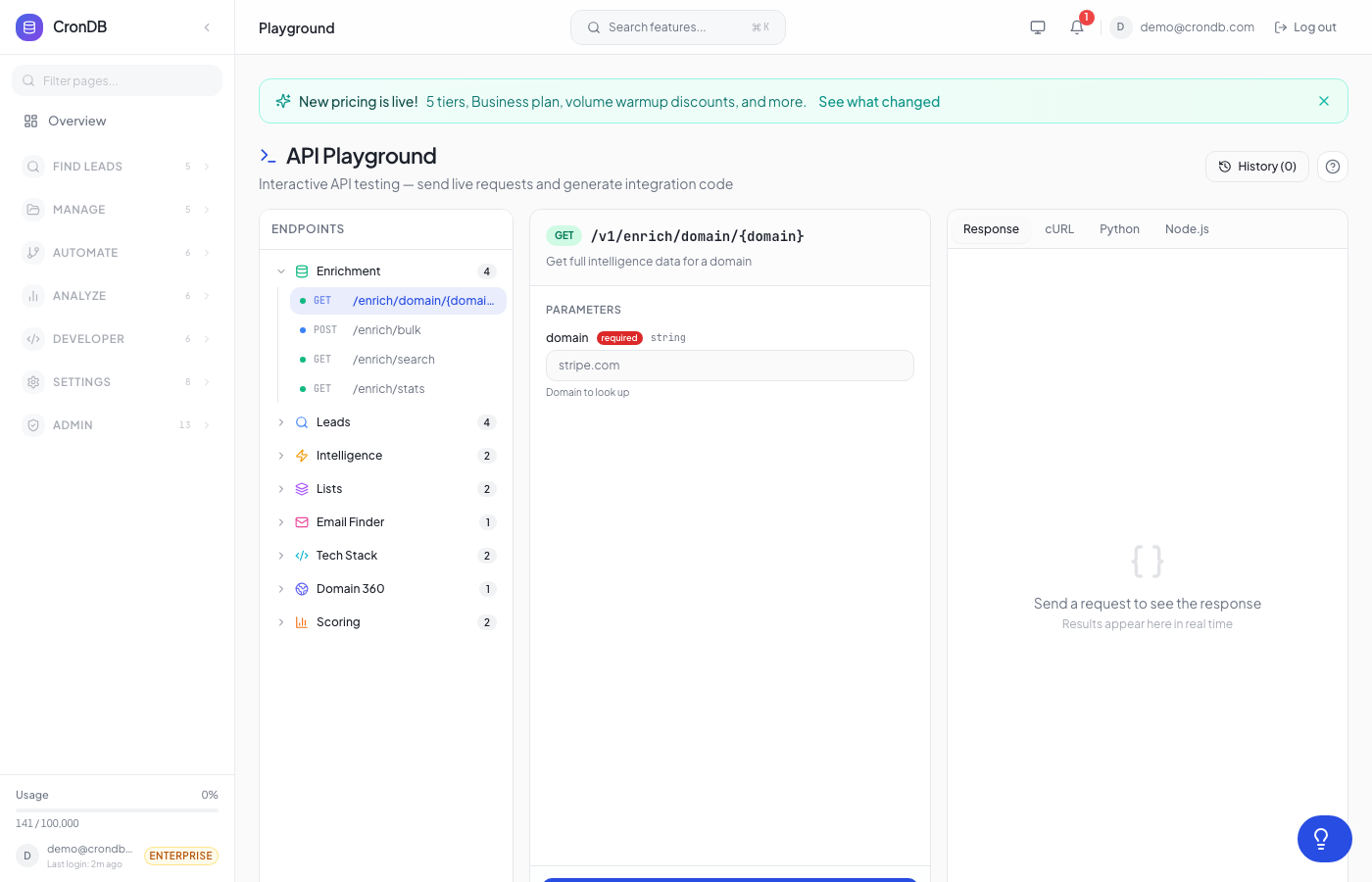
tip
Try this endpoint live in the API Playground.
Endpoints
| Method | Endpoint | Description |
|---|---|---|
| GET | /v1/alerts | List your alert rules |
| POST | /v1/alerts | Create an alert rule |
| PUT | /v1/alerts/{id} | Update an alert rule |
| DELETE | /v1/alerts/{id} | Delete an alert rule |
| GET | /v1/alerts/history | View alert trigger history |
| POST | /v1/alerts/{id}/test | Test an alert rule |
Plan Limits
| Plan | Max Alert Rules |
|---|---|
| Free | 1 |
| Starter | 5 |
| Pro | 25 |
| Enterprise | 100 |
List Alerts
GET /v1/alerts
Returns all your alert rules with plan limit info.
Example Request
curl -H "Authorization: Bearer cdb_your_api_key_here" \
  "https://api.crondb.com/v1/alerts"
Response
{
  "data": [
    {
      "id": 1,
      "name": "US SaaS Leads",
      "filters": {
        "industry": "Technology",
        "country": "US",
        "min_intent_score": 60,
        "required_signals": ["has_analytics", "has_crm"]
      },
      "delivery_channels": {
        "email": true,
        "slack": false,
        "in_app": true
      },
      "is_active": true,
      "last_triggered_at": "2026-03-20T14:30:00Z",
      "created_at": "2026-03-15T10:00:00Z"
    }
  ],
  "plan_limit": 25,
  "plan": "pro"
}
Create Alert
POST /v1/alerts
Body Parameters
| Parameter | Type | Required | Description |
|---|---|---|---|
name | string | Yes | Alert name (1–200 chars) |
filters | object | No | Filter criteria (see below) |
delivery_channels | object | No | Notification channels |
is_active | boolean | No | Enable/disable (default: true) |
Filter Object
| Field | Type | Default | Description |
|---|---|---|---|
industry | string | null | Industry to match (e.g., "Technology") |
country | string | null | ISO country code (e.g., "US") |
min_intent_score | integer | 50 | Minimum intent score (0–100) |
required_signals | string[] | [] | Tech signals that must be present |
Delivery Channels Object
| Field | Type | Default | Description |
|---|---|---|---|
email | boolean | true | Send email notifications |
slack | boolean | false | Send Slack notifications |
in_app | boolean | true | Show in-app notifications |
Example Request
curl -X POST \
  -H "Authorization: Bearer cdb_your_api_key_here" \
  -H "Content-Type: application/json" \
  -d '{
    "name": "European E-commerce",
    "filters": {
      "industry": "E-commerce",
      "country": "DE",
      "min_intent_score": 70,
      "required_signals": ["has_ecommerce", "has_payments"]
    },
    "delivery_channels": {
      "email": true,
      "slack": true,
      "in_app": true
    }
  }' \
  "https://api.crondb.com/v1/alerts"
import requests

response = requests.post(
    "https://api.crondb.com/v1/alerts",
    headers={"Authorization": "Bearer cdb_your_api_key_here"},
    json={
        "name": "European E-commerce",
        "filters": {
            "industry": "E-commerce",
            "country": "DE",
            "min_intent_score": 70,
            "required_signals": ["has_ecommerce", "has_payments"],
        },
        "delivery_channels": {"email": True, "slack": True, "in_app": True},
    },
)
alert = response.json()
print(f"Alert created: {alert['id']}")
const response = await fetch("https://api.crondb.com/v1/alerts", {
  method: "POST",
  headers: {
    Authorization: "Bearer cdb_your_api_key_here",
    "Content-Type": "application/json",
  },
  body: JSON.stringify({
    name: "European E-commerce",
    filters: {
      industry: "E-commerce",
      country: "DE",
      min_intent_score: 70,
      required_signals: ["has_ecommerce", "has_payments"],
    },
    delivery_channels: { email: true, slack: true, in_app: true },
  }),
});
const alert = await response.json();
Response (201)
{
  "id": 5,
  "name": "European E-commerce",
  "filters": {
    "industry": "E-commerce",
    "country": "DE",
    "min_intent_score": 70,
    "required_signals": ["has_ecommerce", "has_payments"]
  },
  "delivery_channels": {
    "email": true,
    "slack": true,
    "in_app": true
  },
  "is_active": true,
  "last_triggered_at": null,
  "created_at": "2026-03-22T10:00:00Z"
}
Update Alert
PUT /v1/alerts/{alert_id}
Partial updates supported — only send the fields you want to change.
Example Request
curl -X PUT \
  -H "Authorization: Bearer cdb_your_api_key_here" \
  -H "Content-Type: application/json" \
  -d '{"is_active": false}' \
  "https://api.crondb.com/v1/alerts/5"
Delete Alert
DELETE /v1/alerts/{alert_id}
Returns 204 No Content on success.
curl -X DELETE \
  -H "Authorization: Bearer cdb_your_api_key_here" \
  "https://api.crondb.com/v1/alerts/5"
Alert History
GET /v1/alerts/history
View recent alert triggers — which domains matched which alert rules.
Query Parameters
| Parameter | Type | Default | Description |
|---|---|---|---|
page | integer | 1 | Page number |
limit | integer | 20 | Results per page (max 100) |
alert_id | integer | null | Filter by specific alert |
Response
{
  "data": [
    {
      "id": 42,
      "alert_id": 1,
      "alert_name": "US SaaS Leads",
      "matched_domains": [
        {
          "domain": "newstartup.com",
          "intent_score": 78,
          "level": "hot",
          "signals": ["Analytics", "CRM", "Live Chat"],
          "likely_buys": ["Marketing Automation", "SEO Tools"]
        }
      ],
      "delivered_via": {"email": true, "in_app": true},
      "created_at": "2026-03-20T14:30:00Z"
    }
  ],
  "total": 156,
  "page": 1,
  "pages": 8
}
Test Alert
POST /v1/alerts/{alert_id}/test
Preview which domains currently match an alert's filters (returns up to 10 results).
Response
{
  "alert_id": 1,
  "alert_name": "US SaaS Leads",
  "matched_count": 7,
  "matched_domains": [
    {
      "domain": "example-saas.com",
      "intent_score": 85,
      "level": "hot",
      "signals": ["Analytics", "CRM", "Chat Widget"],
      "gaps": ["Needs Email Marketing"],
      "likely_buys": ["Email Marketing", "A/B Testing"]
    }
  ]
}
Available Signals
Use these values in required_signals:
| Signal | Description |
|---|---|
has_analytics | Google Analytics, Mixpanel, etc. |
has_crm | Salesforce, HubSpot, etc. |
has_ecommerce | Shopify, WooCommerce, etc. |
has_chat_widget | Intercom, Drift, etc. |
has_email_marketing | Mailchimp, SendGrid, etc. |
has_payments | Stripe, PayPal, etc. |
has_helpdesk | Zendesk, Freshdesk, etc. |
has_cdn | Cloudflare, Fastly, etc. |
has_ssl | SSL certificate detected |
has_forms | Form builders detected |
has_ads | Google Ads, Facebook Ads, etc. |
has_seo_tools | SEO platforms detected |
has_ab_testing | Optimizely, VWO, etc. |
has_api | Public API detected |
Next Steps
- Intent Signals — Understand intent scoring
- Webhook Events — Receive alerts via webhooks
- Audiences — Auto-surface matching domains