Audiences
Audiences are dynamic smart lists that automatically surface domains matching your Ideal Customer Profile (ICP). Define filters for industry, country, tech signals, and intent score — CronDB continuously finds new matches.
tip
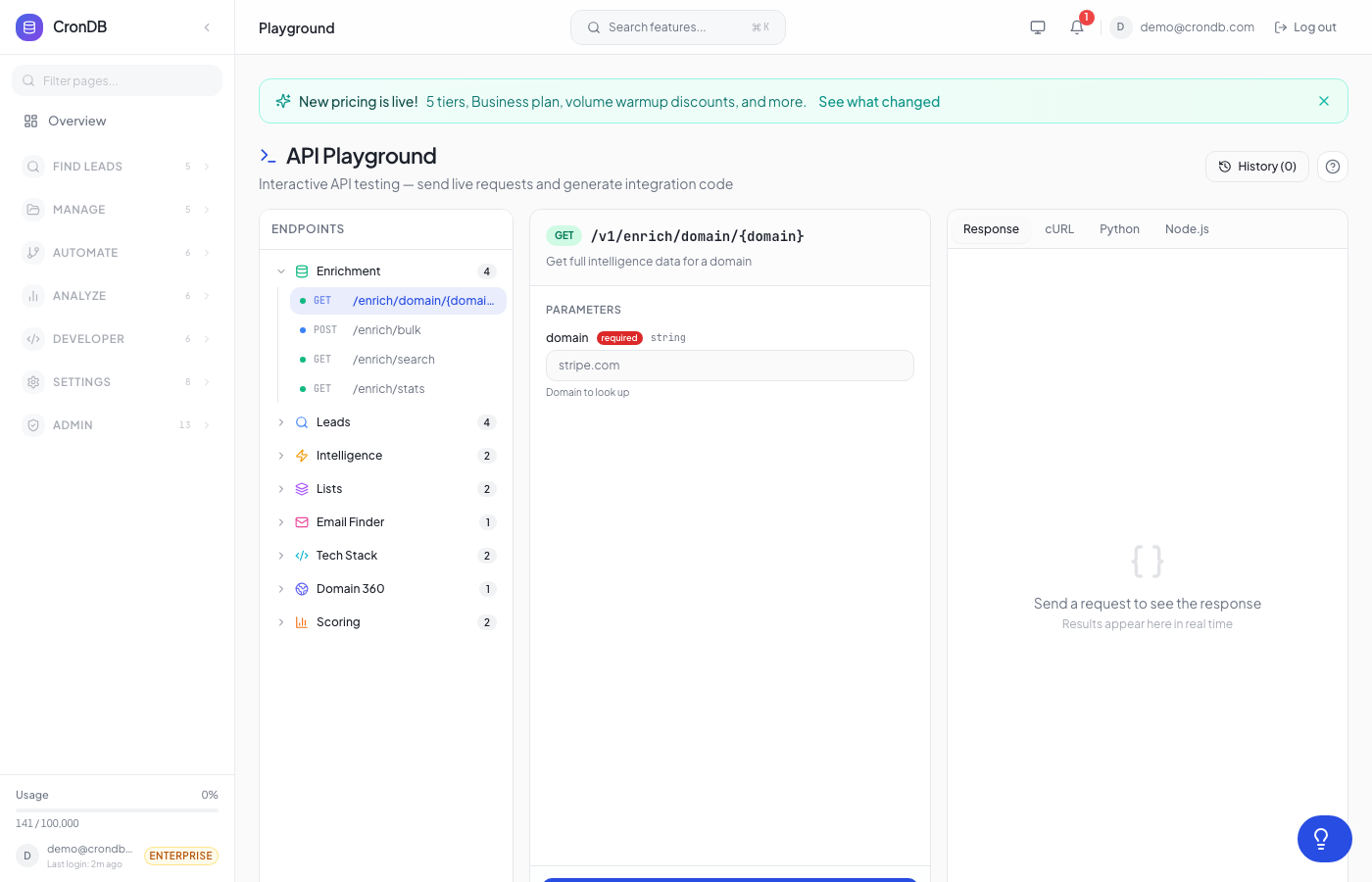
Try this endpoint live in the API Playground.
Endpoints
| Method | Endpoint | Description |
|---|---|---|
| GET | /v1/audiences | List your audiences |
| POST | /v1/audiences | Create an audience |
| GET | /v1/audiences/{id} | Get audience details |
| PUT | /v1/audiences/{id} | Update an audience |
| DELETE | /v1/audiences/{id} | Delete an audience |
| POST | /v1/audiences/preview | Preview matching domains |
| GET | /v1/audiences/signals | List available filter signals |
Plan Limits
| Plan | Max Audiences |
|---|---|
| Free | 1 |
| Starter | 3 |
| Pro | 10 |
| Enterprise | Unlimited |
Create Audience
POST /v1/audiences
Body Parameters
| Parameter | Type | Required | Description |
|---|---|---|---|
name | string | Yes | Audience name (1–200 chars) |
description | string | No | Description (max 1,000 chars) |
filters | object | Yes | ICP filter criteria |
Filter Object
| Field | Type | Default | Description |
|---|---|---|---|
industries | string[] | [] | Industries to include |
countries | string[] | [] | ISO country codes |
min_confidence | integer | 0 | Minimum AI confidence (0–100) |
required_signals | string[] | [] | Tech signals that must be present |
excluded_signals | string[] | [] | Tech signals that must NOT be present |
business_types | string[] | [] | B2B, B2C, Marketplace, etc. |
min_intent_score | integer | 0 | Minimum intent score (0–100) |
Example Request
curl -X POST \
  -H "Authorization: Bearer cdb_your_api_key_here" \
  -H "Content-Type: application/json" \
  -d '{
    "name": "Enterprise SaaS without CRM",
    "description": "B2B SaaS companies that need CRM solutions",
    "filters": {
      "industries": ["Technology", "Software"],
      "countries": ["US", "GB", "CA"],
      "min_confidence": 70,
      "required_signals": ["has_analytics", "has_forms"],
      "excluded_signals": ["has_crm"],
      "business_types": ["B2B SaaS"],
      "min_intent_score": 50
    }
  }' \
  "https://api.crondb.com/v1/audiences"
import requests

response = requests.post(
    "https://api.crondb.com/v1/audiences",
    headers={"Authorization": "Bearer cdb_your_api_key_here"},
    json={
        "name": "Enterprise SaaS without CRM",
        "filters": {
            "industries": ["Technology"],
            "required_signals": ["has_analytics", "has_forms"],
            "excluded_signals": ["has_crm"],
            "min_intent_score": 50,
        },
    },
)
audience = response.json()
print(f"Audience '{audience['name']}' matches {audience['match_count']} domains")
Response (201)
{
  "id": 3,
  "name": "Enterprise SaaS without CRM",
  "description": "B2B SaaS companies that need CRM solutions",
  "filters": {
    "industries": ["Technology", "Software"],
    "required_signals": ["has_analytics", "has_forms"],
    "excluded_signals": ["has_crm"],
    "min_intent_score": 50
  },
  "match_count": 342,
  "new_since_viewed": 0,
  "is_active": true,
  "created_at": "2026-03-22T10:00:00Z"
}
Preview Audience
POST /v1/audiences/preview
Test your filters before creating an audience — see how many domains match.
curl -X POST \
  -H "Authorization: Bearer cdb_your_api_key_here" \
  -H "Content-Type: application/json" \
  -d '{
    "filters": {
      "industries": ["E-commerce"],
      "required_signals": ["has_ecommerce"],
      "excluded_signals": ["has_crm"],
      "min_confidence": 70
    }
  }' \
  "https://api.crondb.com/v1/audiences/preview"
Response
{
  "match_count": 189,
  "sample_domains": [
    {
      "domain": "shopnew.com",
      "industry": "E-commerce",
      "confidence": 0.88,
      "country": "US"
    }
  ]
}
Get Available Signals
GET /v1/audiences/signals
Returns the list of tech signals you can use in required_signals and excluded_signals filters.
Response
{
  "signals": [
    "has_analytics", "has_crm", "has_ecommerce",
    "has_marketing_automation", "has_live_chat",
    "has_helpdesk", "has_cdn", "has_ssl", "has_blog",
    "has_social_media", "has_payment", "has_advertising",
    "has_newsletter", "has_video", "has_podcast",
    "has_forum", "has_job_board", "has_login",
    "has_api", "has_mobile_app", "has_saas"
  ]
}
How Audiences Work
- Define filters — specify your ICP criteria
- Automatic matching — CronDB scans new domains continuously
- New match count —
new_since_viewedincrements as new domains match - View audience — resets the new count, showing latest matches
- Push to CRM — export audience to HubSpot, Salesforce, or webhooks
Next Steps
- Alerts — Get notified about new matches
- Lead Lists — Manually curated lists
- Scoring — Score audience members