Bulk Operations
Perform bulk actions on domains across your lead lists — delete, archive, or export to CSV.
tip
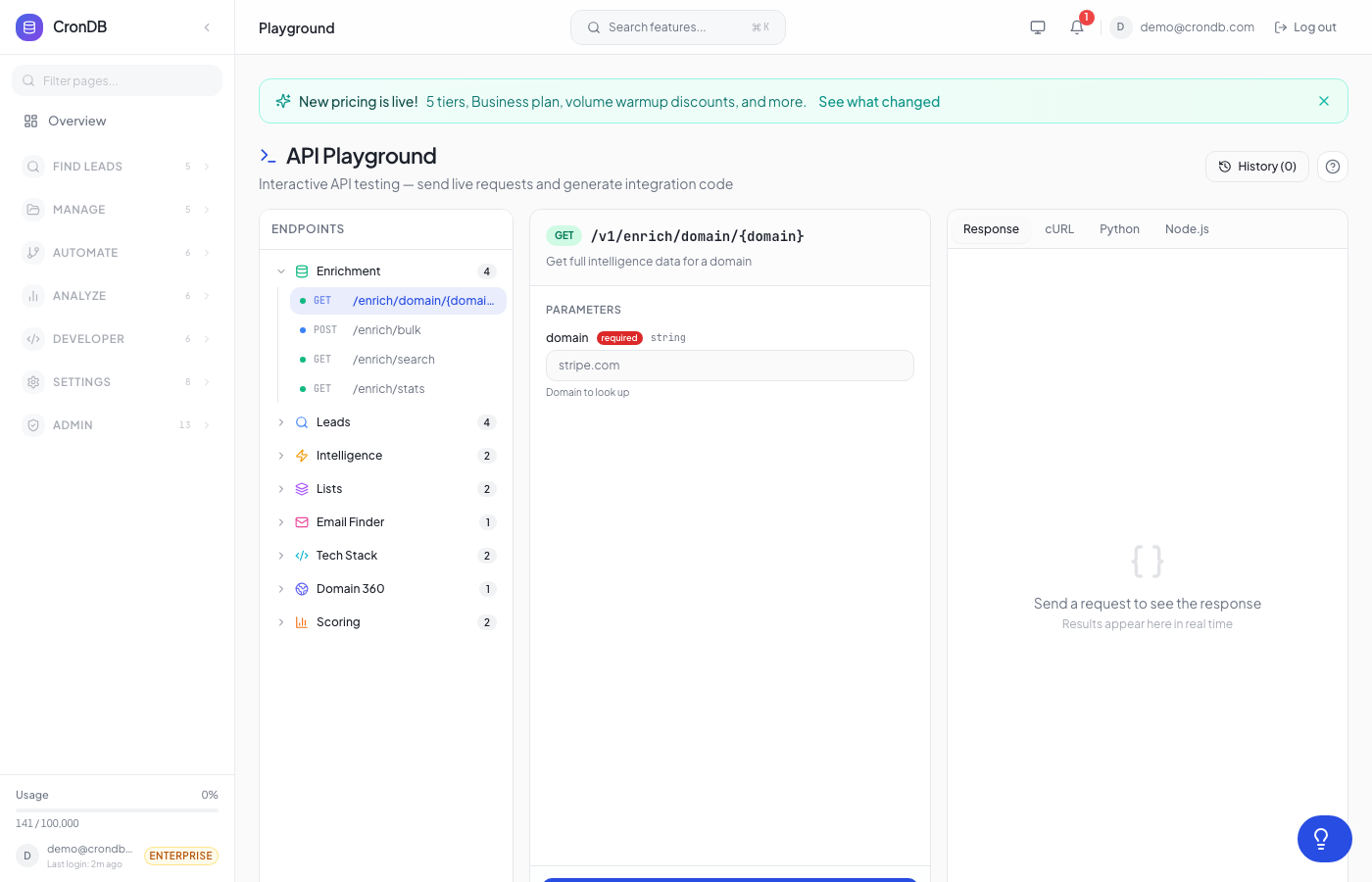
Try this endpoint live in the API Playground.
Endpoints
| Method | Endpoint | Description |
|---|---|---|
| POST | /v1/bulk/delete | Remove domains from a list |
| POST | /v1/bulk/archive | Move domains to an archive list |
| POST | /v1/bulk/export | Export domains as CSV |
Bulk Delete
POST /v1/bulk/delete
Remove up to 500 domains from a lead list at once.
| Parameter | Type | Required | Description |
|---|---|---|---|
list_id | integer | Yes | The list to remove from |
domain_ids | string[] | Yes | Domain names to remove (1–500) |
curl -X POST \
  -H "Authorization: Bearer cdb_your_api_key_here" \
  -H "Content-Type: application/json" \
  -d '{
    "list_id": 1,
    "domain_ids": ["old-lead.com", "not-relevant.io"]
  }' \
  "https://api.crondb.com/v1/bulk/delete"
Response
{
  "removed": 2,
  "remaining": 43
}
Bulk Archive
POST /v1/bulk/archive
Move domains from one list to an archive list. If the archive list doesn't exist, it's created automatically.
| Parameter | Type | Required | Description |
|---|---|---|---|
source_list_id | integer | Yes | Source list ID |
domain_ids | string[] | Yes | Domains to move (1–500) |
archive_list_name | string | No | Archive list name (default: "Archived") |
import requests

response = requests.post(
    "https://api.crondb.com/v1/bulk/archive",
    headers={"Authorization": "Bearer cdb_your_api_key_here"},
    json={
        "source_list_id": 1,
        "domain_ids": ["old-lead.com", "disqualified.io"],
        "archive_list_name": "Q1 Archive",
    },
)
result = response.json()
print(f"Archived {result['archived']} domains")
Response
{
  "archived": 2,
  "archive_list_id": 7
}
Bulk Export
POST /v1/bulk/export
Export up to 1,000 domains as a CSV download. Optionally specify which fields to include.
| Parameter | Type | Required | Description |
|---|---|---|---|
domains | string[] | Yes | Domain names to export (1–1,000) |
fields | string[] | No | Columns to include (defaults to standard set) |
Default Export Fields
domain, company_name, industry, sub_industry, country, website_email, phone, employees_range, business_type, confidence, technologies
Example Request
curl -X POST \
  -H "Authorization: Bearer cdb_your_api_key_here" \
  -H "Content-Type: application/json" \
  -d '{
    "domains": ["startup1.com", "startup2.io", "startup3.co"],
    "fields": ["domain", "industry", "website_email", "confidence"]
  }' \
  "https://api.crondb.com/v1/bulk/export" \
  -o export.csv
import requests

response = requests.post(
    "https://api.crondb.com/v1/bulk/export",
    headers={"Authorization": "Bearer cdb_your_api_key_here"},
    json={
        "domains": ["startup1.com", "startup2.io"],
        "fields": ["domain", "industry", "website_email"],
    },
)

with open("export.csv", "w") as f:
    f.write(response.text)
Response
Returns a CSV file download:
domain,industry,website_email,confidence
startup1.com,Technology,hello@startup1.com,0.92
startup2.io,E-commerce,info@startup2.io,0.85
Next Steps
- Lead Lists — Manage your lists
- Search — Find domains to export
- Google Sheets — Export directly to Google Sheets