Webhooks API Overview
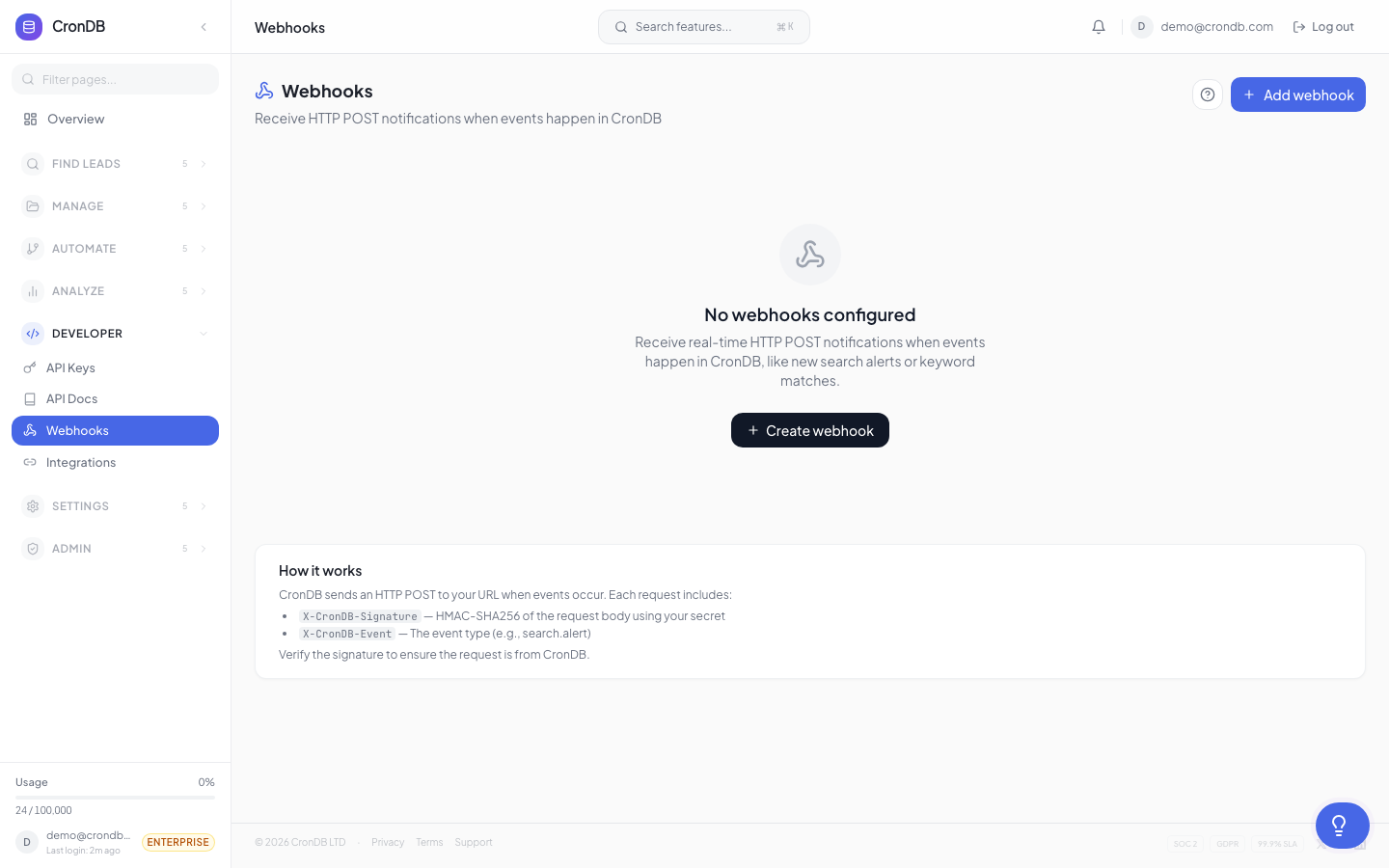
CronDB's webhook system pushes events to your applications in real time. When something happens in CronDB — a domain matches an alert, a sequence email gets replied to, or a watched domain changes — a webhook delivers the event data to your endpoint.
Architecture
CronDB Event
  ↓
Webhook Dispatcher
  ↓
HTTP POST to your endpoint
  ↓
Your application processes the event
Webhooks use a push model: CronDB sends data to you as events occur, eliminating the need to poll the API.
Managing Webhooks via API
List Webhooks
curl -H "Authorization: Bearer cdb_your_api_key_here" \
  "https://api.crondb.com/v1/webhooks"
Response:
{
  "webhooks": [
    {
      "id": "wh_abc123",
      "name": "Slack Notifications",
      "url": "https://yourapp.com/webhooks/crondb",
      "events": ["alert.domain_matched", "sequence.email_replied"],
      "status": "active",
      "created_at": "2026-03-01T00:00:00Z"
    }
  ]
}
Create Webhook
curl -X POST \
  -H "Authorization: Bearer cdb_your_api_key_here" \
  -H "Content-Type: application/json" \
  -d '{
    "name": "CRM Integration",
    "url": "https://yourapp.com/webhooks/crondb",
    "events": ["alert.domain_matched", "watchlist.domain_changed"]
  }' \
  "https://api.crondb.com/v1/webhooks"
Response:
{
  "id": "wh_def456",
  "name": "CRM Integration",
  "url": "https://yourapp.com/webhooks/crondb",
  "events": ["alert.domain_matched", "watchlist.domain_changed"],
  "secret": "whsec_a1b2c3d4e5f6...",
  "status": "active",
  "created_at": "2026-03-18T14:00:00Z"
}
The secret field is returned only at creation. Store it securely — you need it to verify webhook signatures.
Update Webhook
curl -X PATCH \
  -H "Authorization: Bearer cdb_your_api_key_here" \
  -H "Content-Type: application/json" \
  -d '{
    "events": ["alert.domain_matched"]
  }' \
  "https://api.crondb.com/v1/webhooks/wh_def456"
Delete Webhook
curl -X DELETE \
  -H "Authorization: Bearer cdb_your_api_key_here" \
  "https://api.crondb.com/v1/webhooks/wh_def456"
Test Webhook
curl -X POST \
  -H "Authorization: Bearer cdb_your_api_key_here" \
  "https://api.crondb.com/v1/webhooks/wh_def456/test"
Sends a sample event to your endpoint to verify connectivity.
Webhook Delivery
Request Format
CronDB sends webhooks as HTTP POST requests:
POST /your-endpoint HTTP/1.1
Content-Type: application/json
X-CronDB-Signature: sha256=abc123...
X-CronDB-Event: alert.domain_matched
X-CronDB-Delivery: dlv_xyz789
User-Agent: CronDB-Webhook/1.0
Headers
| Header | Description |
|---|---|
Content-Type | Always application/json |
X-CronDB-Signature | HMAC-SHA256 signature for verification |
X-CronDB-Event | The event type |
X-CronDB-Delivery | Unique delivery ID |
User-Agent | CronDB-Webhook/1.0 |
Signature Verification
Verify the X-CronDB-Signature header to confirm authenticity:
import hmac
import hashlib

def verify_webhook(payload: bytes, signature: str, secret: str) -> bool:
    expected = hmac.new(secret.encode(), payload, hashlib.sha256).hexdigest()
    return hmac.compare_digest(f"sha256={expected}", signature)
Expected Response
Your endpoint should return a 2xx status code within 5 seconds. Any other response triggers a retry.
Retry Policy
| Attempt | Delay |
|---|---|
| 1st retry | 30 seconds |
| 2nd retry | 2 minutes |
| 3rd retry | 10 minutes |
| 4th retry | 1 hour |
| 5th retry | 6 hours |
After 5 failed retries, the delivery is marked as permanently failed. Failed deliveries can be replayed from the dashboard.
Webhook Logs
Query delivery logs via the API:
curl -H "Authorization: Bearer cdb_your_api_key_here" \
  "https://api.crondb.com/v1/webhooks/wh_abc123/deliveries?limit=20"
Response includes delivery ID, status, response code, and timing for each attempt.
Next Steps
- Webhook Events — All event types and payload schemas
- Webhooks Integration — Setup and configuration guide
- Alert Webhooks — Alert-specific webhook guide